Disconnect a system
Disconnecting closes the active session to a SAP system and releases the associated resources. The system stays listed in the Object Tree so you can reconnect later.
In every screenshot, the red box shows where to focus.
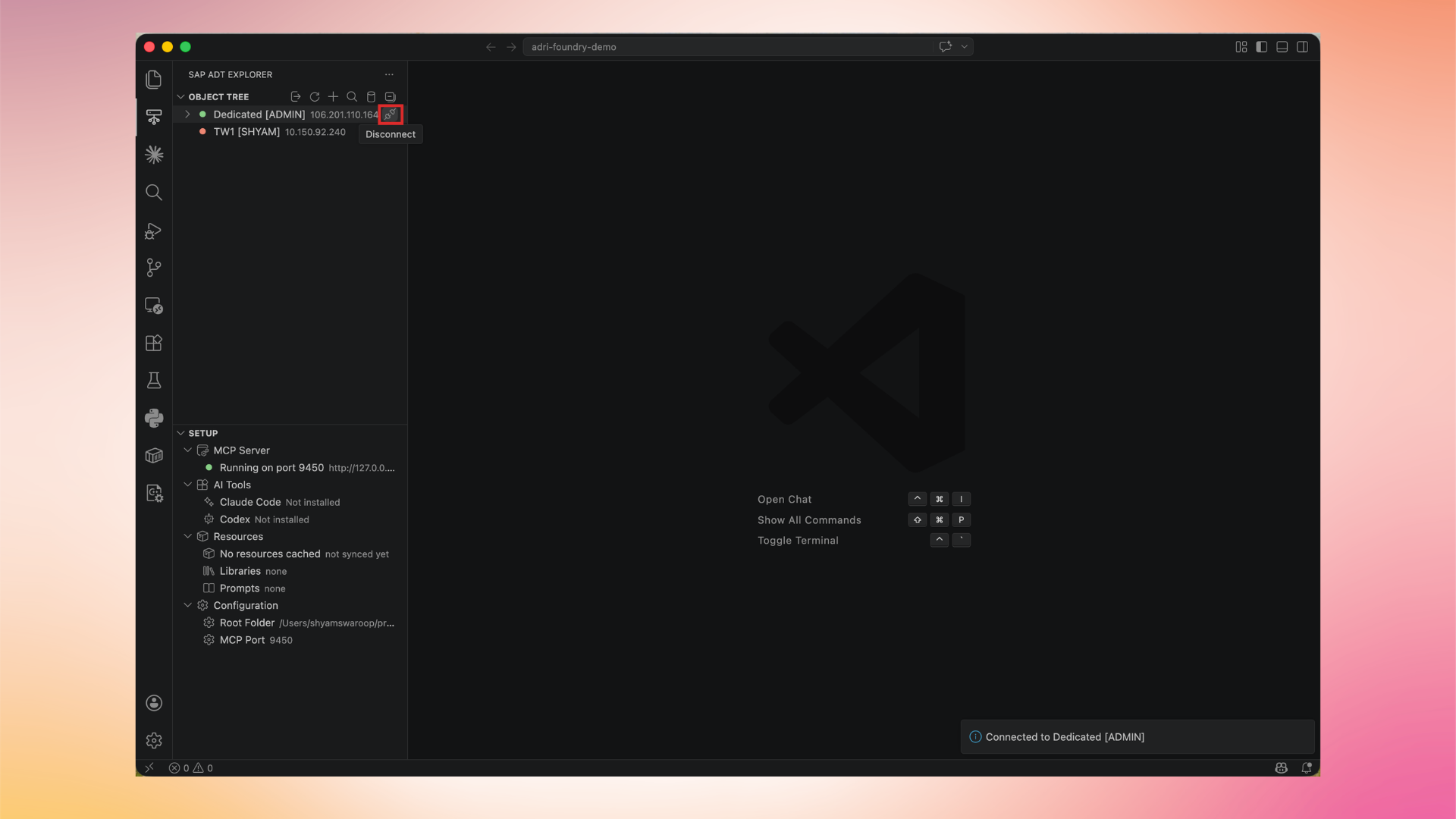
1. Hover over the connected system
Hover over the system row in the Object Tree. A Disconnect icon appears on the right.
2. Click Disconnect
Click the Disconnect icon. The status bar shows Connected to (system name) turning into a disconnected state, and the indicator dot returns to its idle color.
You can connect to the system again at any time.