Install VS Code Extension
Adri AI Foundry for VS Code is the launcher inside VS Code for everything Adri — connecting SAP systems, signing in, installing the Adri MCP Server for your coding agent, and accessing the SAP ADT explorer.
In every screenshot, the red box shows where to focus.
1. Open the Extensions view
Open the Extensions view in the VS Code Activity Bar (left sidebar) and search for Adri Foundry. The extension titled Adri AI Foundry for VS Code should appear at the top of the results.
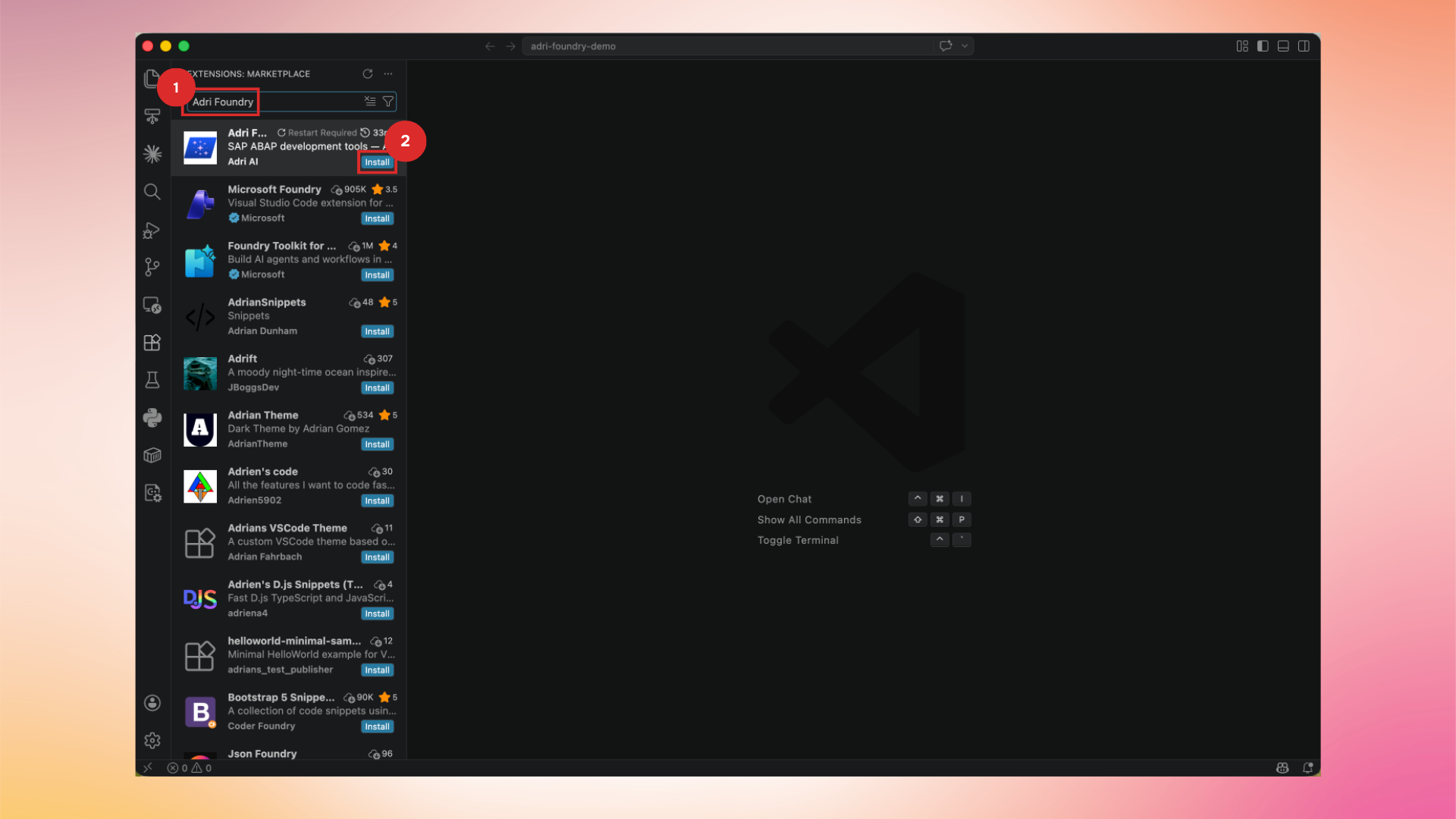
2. Install the extension
Open the extension and click Install.
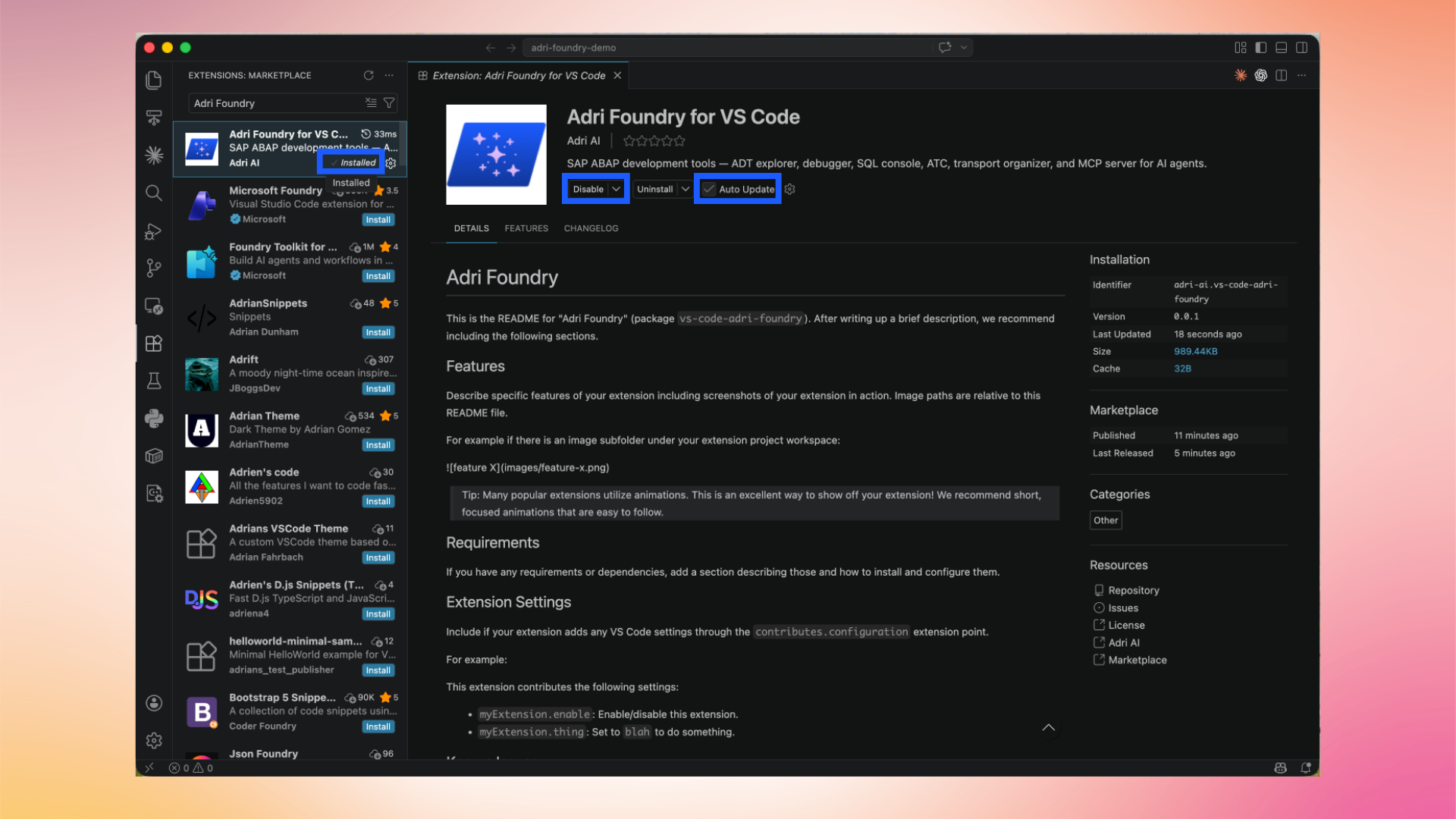
Once installed, you will see new entries in the Activity Bar for Adri AI. Continue to Open a folder in VS Code.