Use Adri for Free
Start with a free account
If you are new to Adri AI, use these steps first:
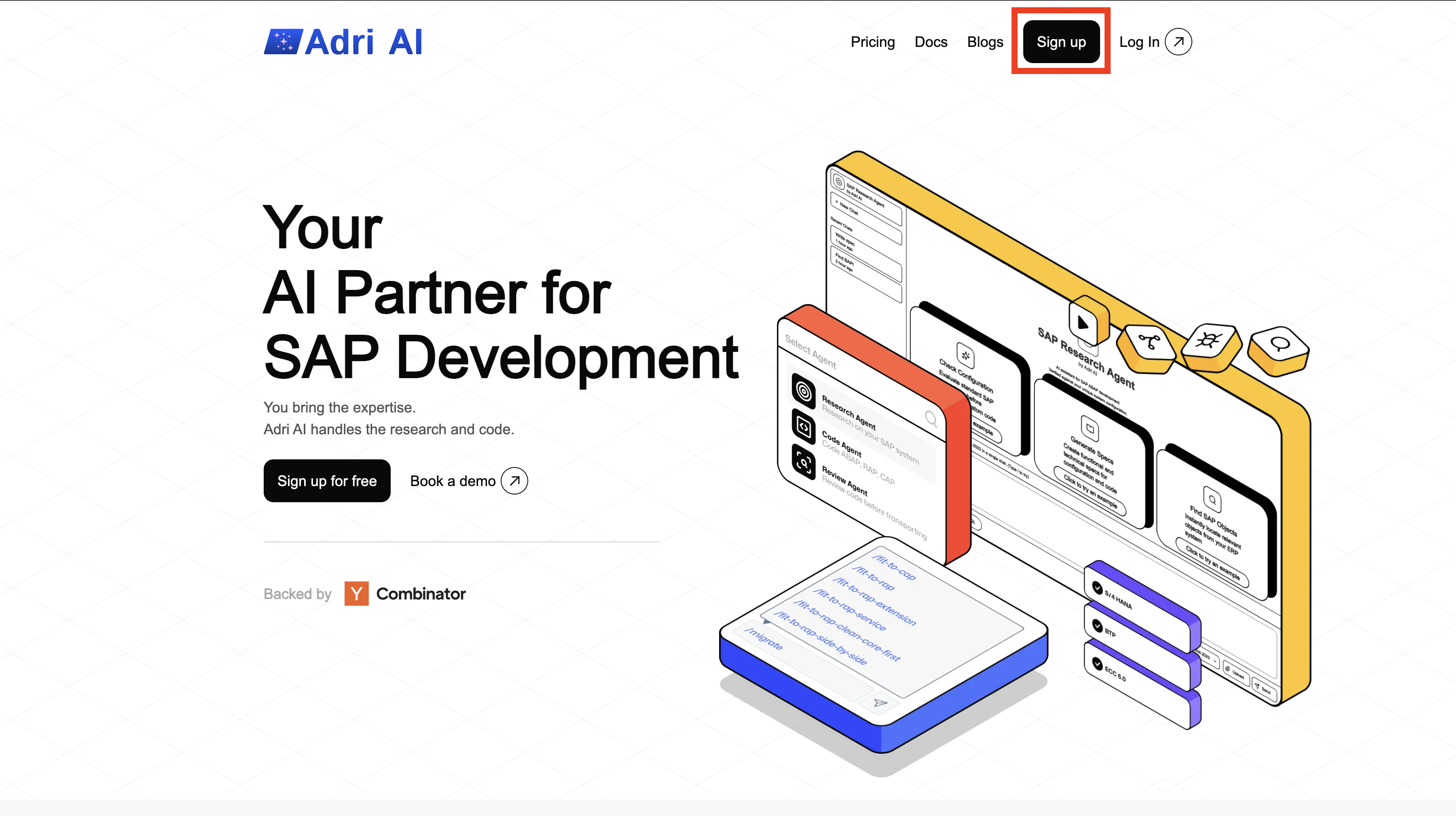
Step 1: Sign Up on Adri
- Open getadri.ai/signup.
- Click Sign up (if needed) and complete registration.
- If you already have an account, use getadri.ai/login.
Done when: You are prompted to verify your email.
Step 2: Verify Email and Complete Profile
- Open the verification email and click the verification link.
- Fill in your basic details.
- Submit the form.
Done when: You land on the Projects page.
What SAP folks get for free
- Connect as many SAP systems as you want.
- Use Adri MCP Server for ABAP coding.
- Read SAP configuration through Adri MCP tools.
Recommended next steps:
- Create a project: Create a Project
- Connect your SAP systems: Connect Your SAP System
- Install coding tools: Install VS Code and Agent Tools
- Set up MCP access: Setup (Claude Code) or Setup (Codex)
What you do not get for free
- Paid Code Agent features from Step 3 onward in the Code Agent onboarding flow.
- Subscription-only usage that requires an active billing plan.
To unlock paid features, set up billing here: Step 4: Activate Billing.