Create a Project
Use this guide to create a new project in Adri AI.
Think of a project as a container for one team or one business context (for example one client or one geography). You can connect unlimited SAP systems inside that project.
Steps
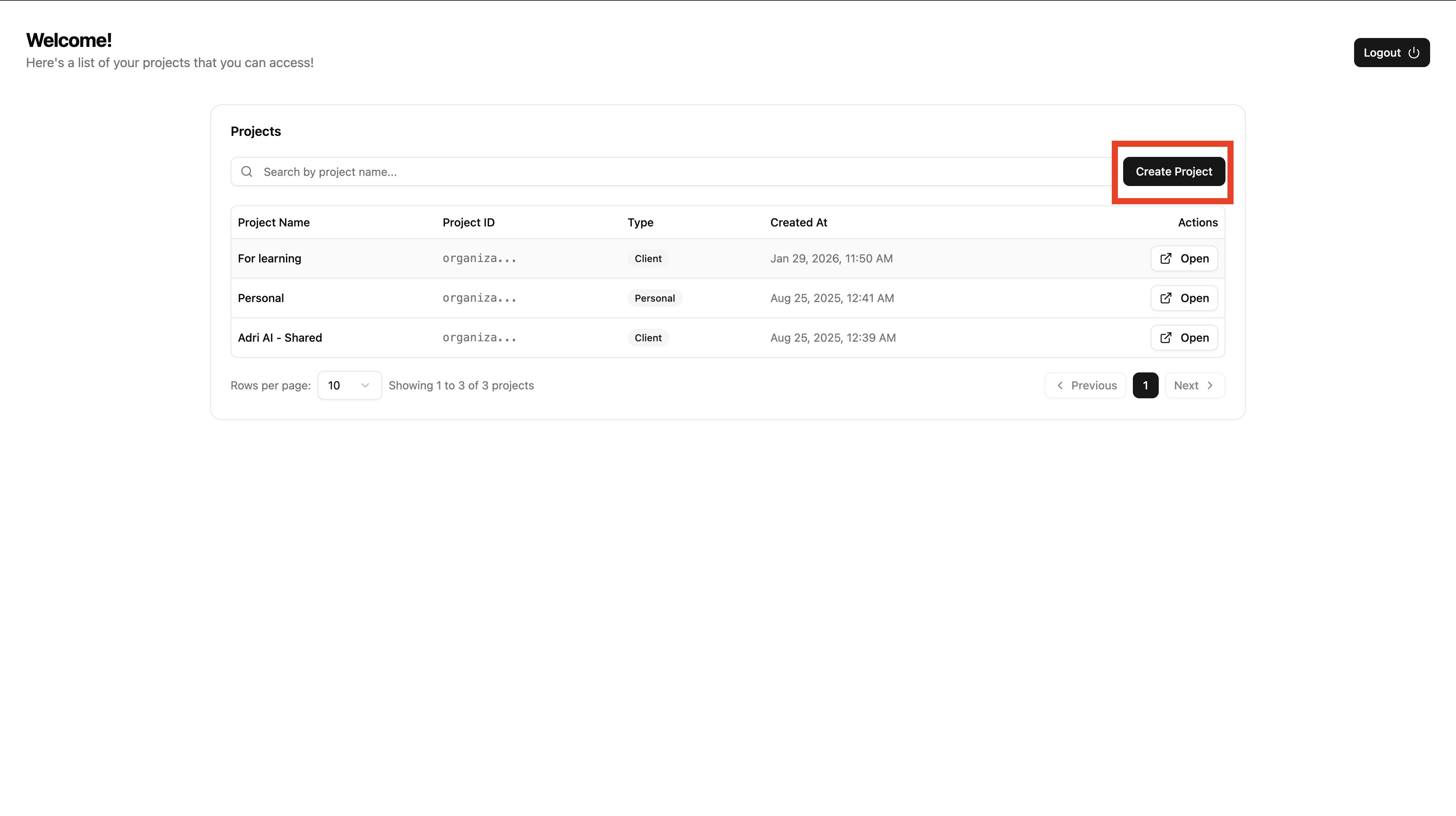
- Open getadri.ai/projects after logging in.
- On the Projects page, click Create Project.
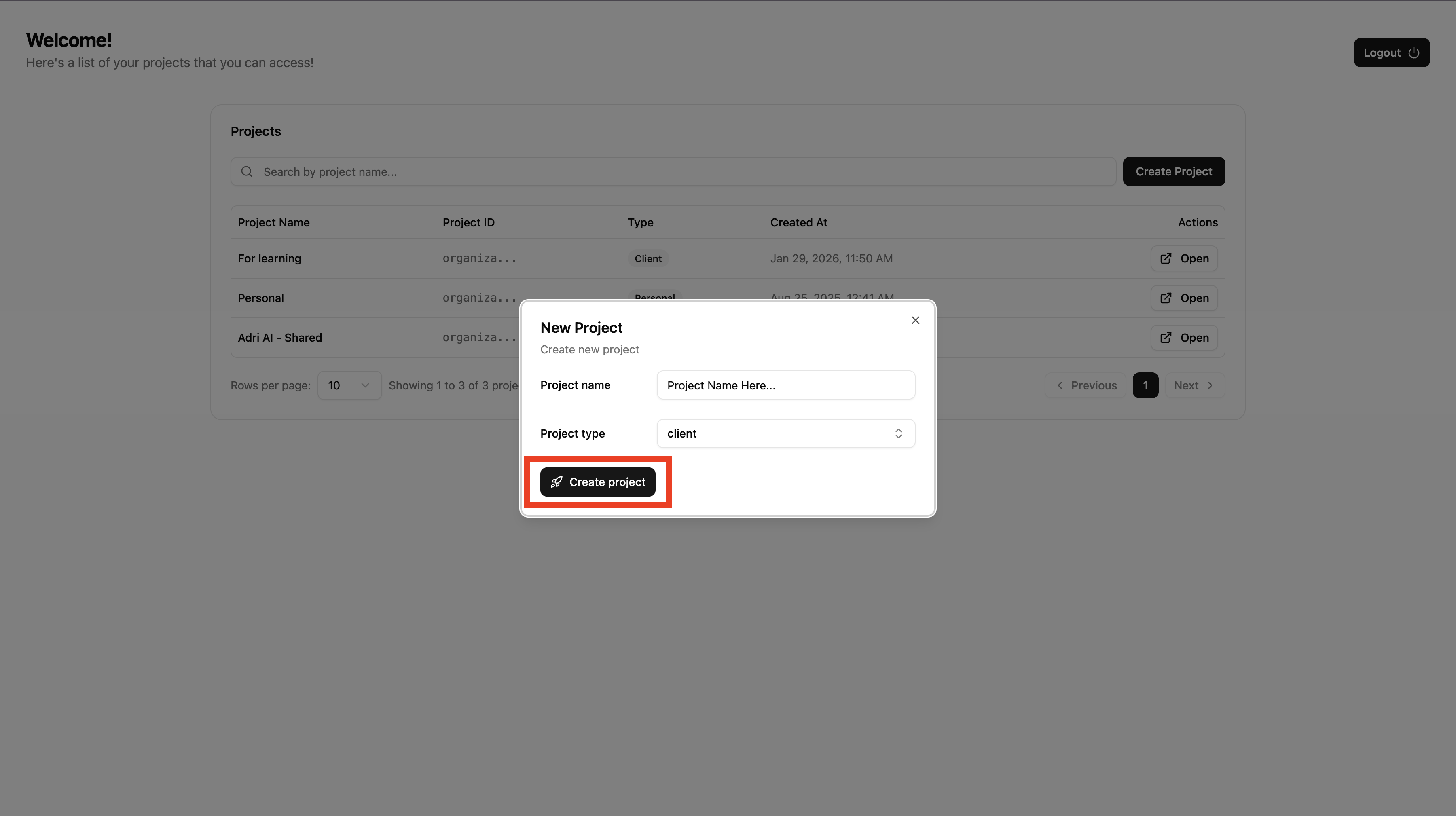
- Enter the project details.
- Click Create to confirm.
Done when: You are redirected to your newly created project.