Configure Relay for More Than One Project (VPN Users)
Use this guide when the same laptop/relay app must handle VPN SAP systems from multiple Adri projects.
Pre-requisites:
- Complete the first relay setup in VPN Users.
- For each additional project, generate and copy relay configuration from: Configure Adri Relay (steps to generate/copy config).
In every screenshot, the red box shows exactly where to focus.
Add one more project configuration
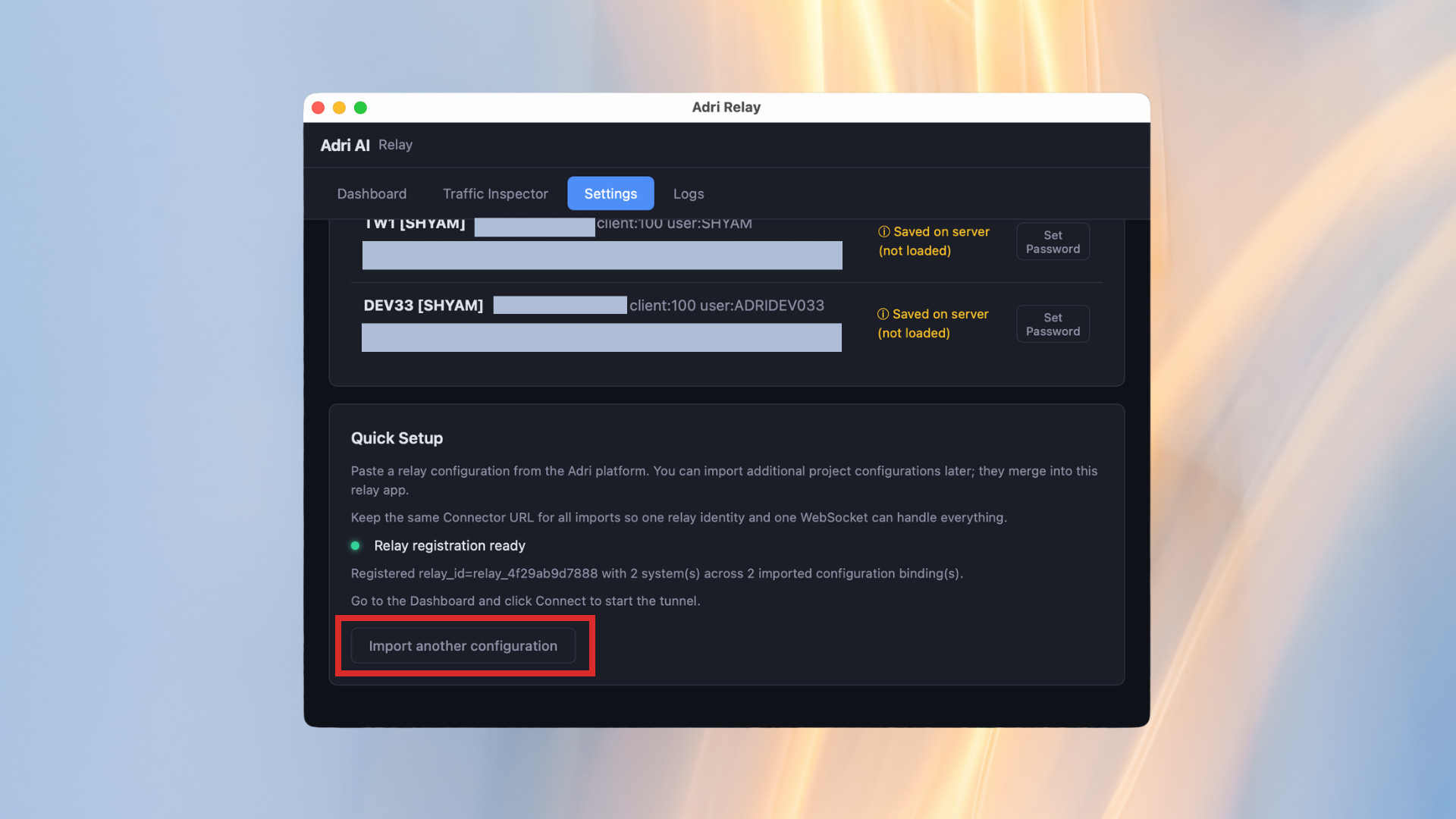
- In Adri Relay Settings, under Quick Setup, click Import another configuration.
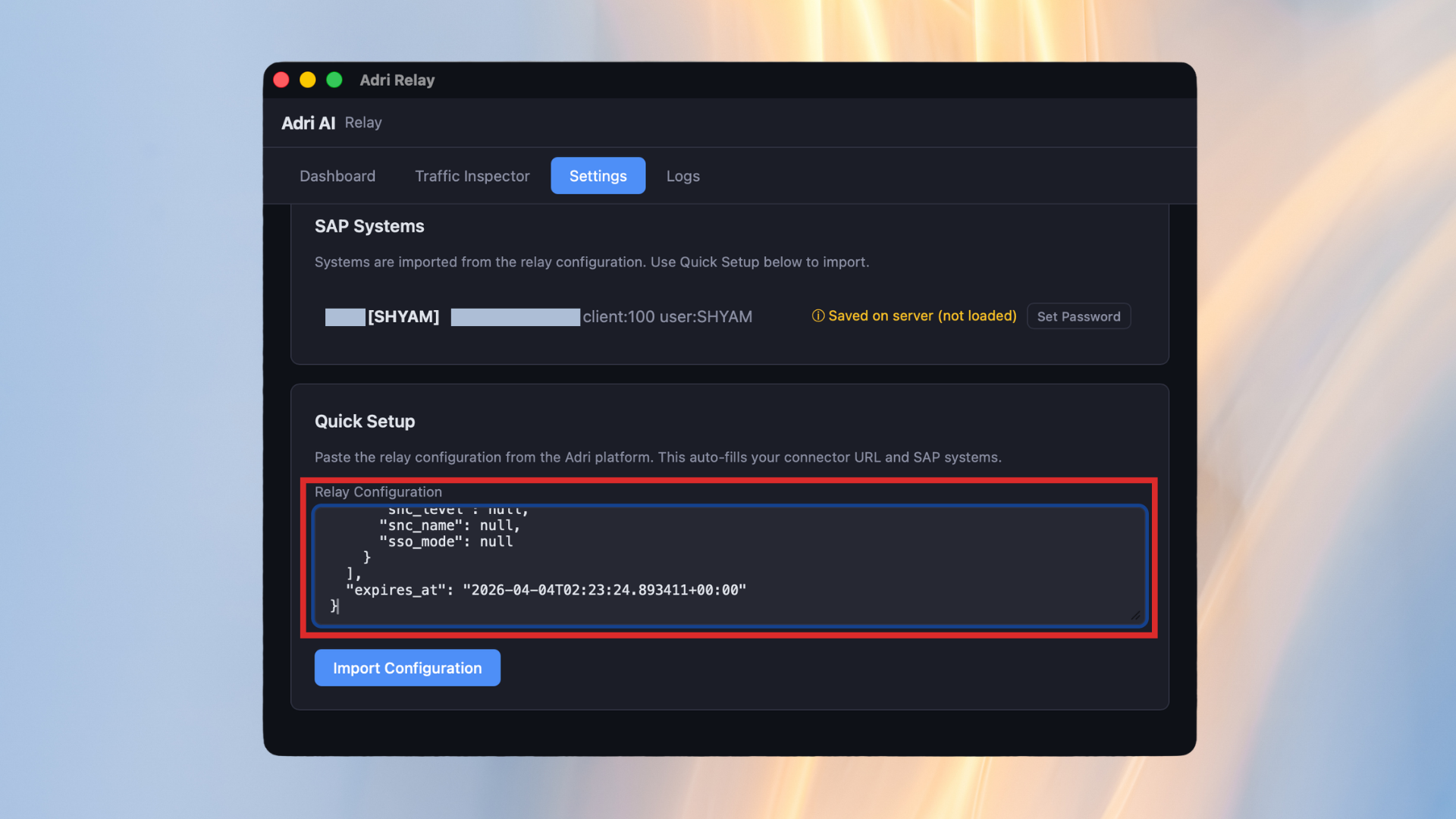
- Paste the copied relay configuration from the additional project.
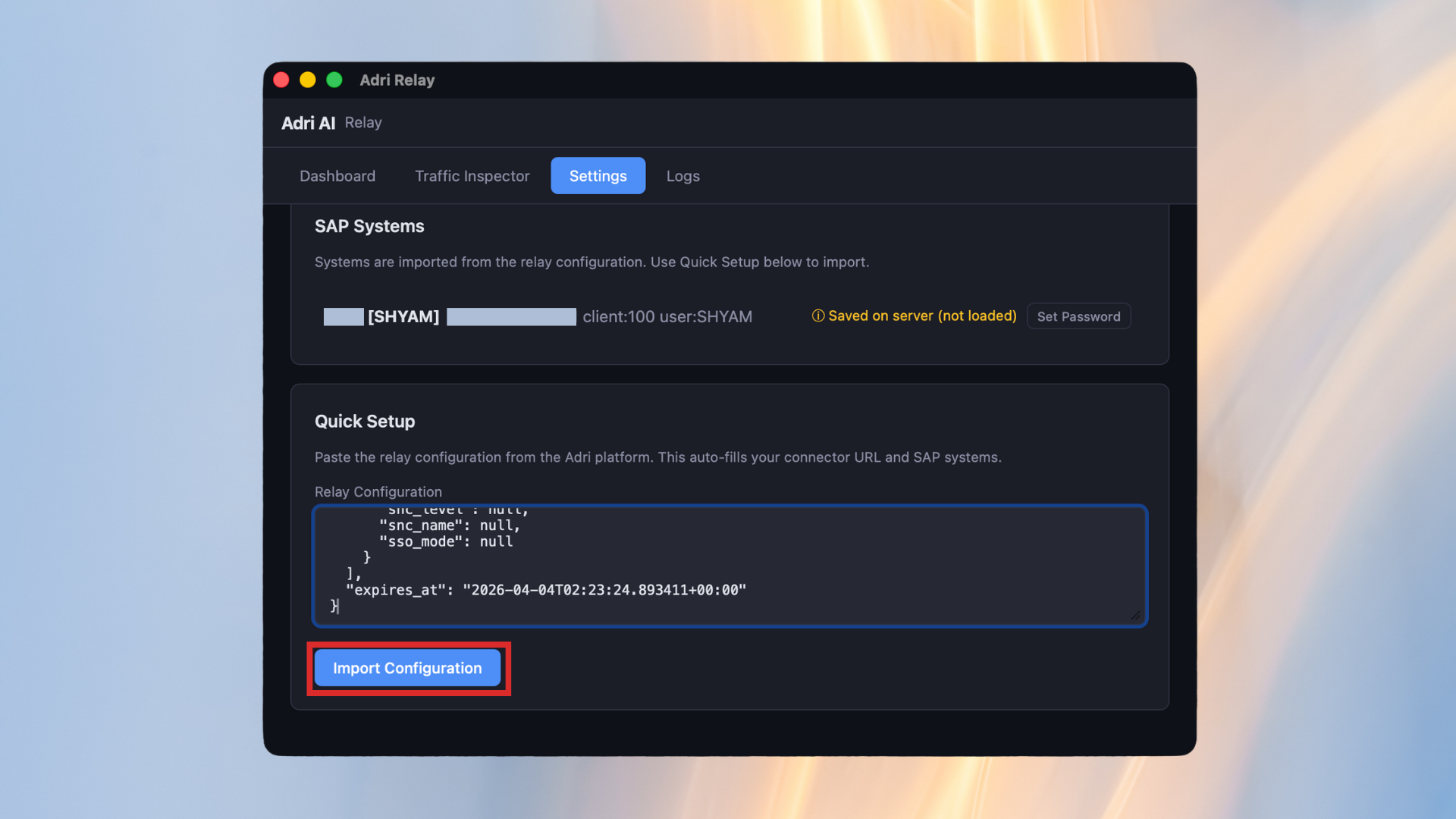
- Click Import Configuration.
- Open the Dashboard tab. If the relay is already connected, click Disconnect first.
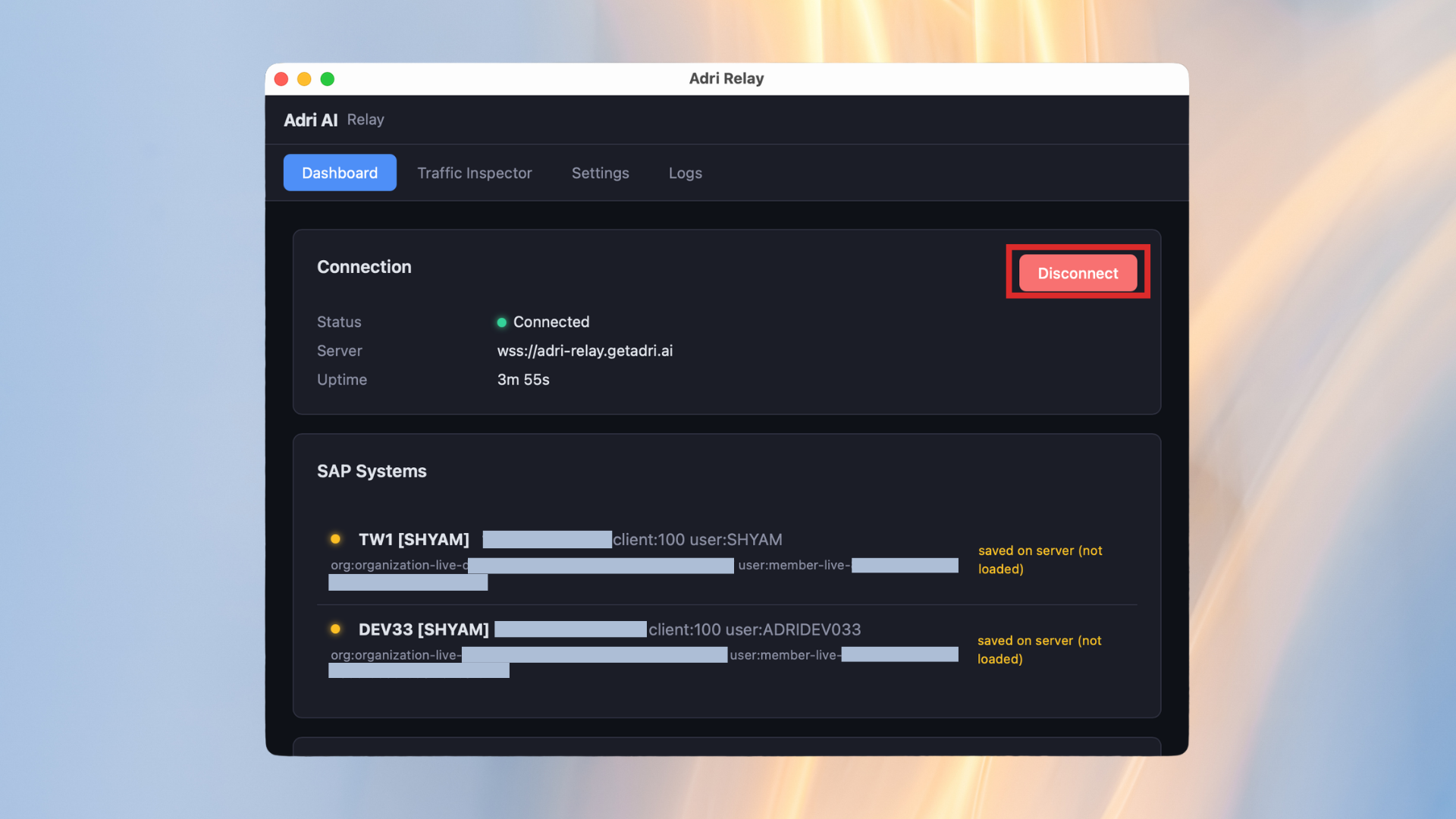
- Click Connect to reconnect and load the newly imported project configuration.
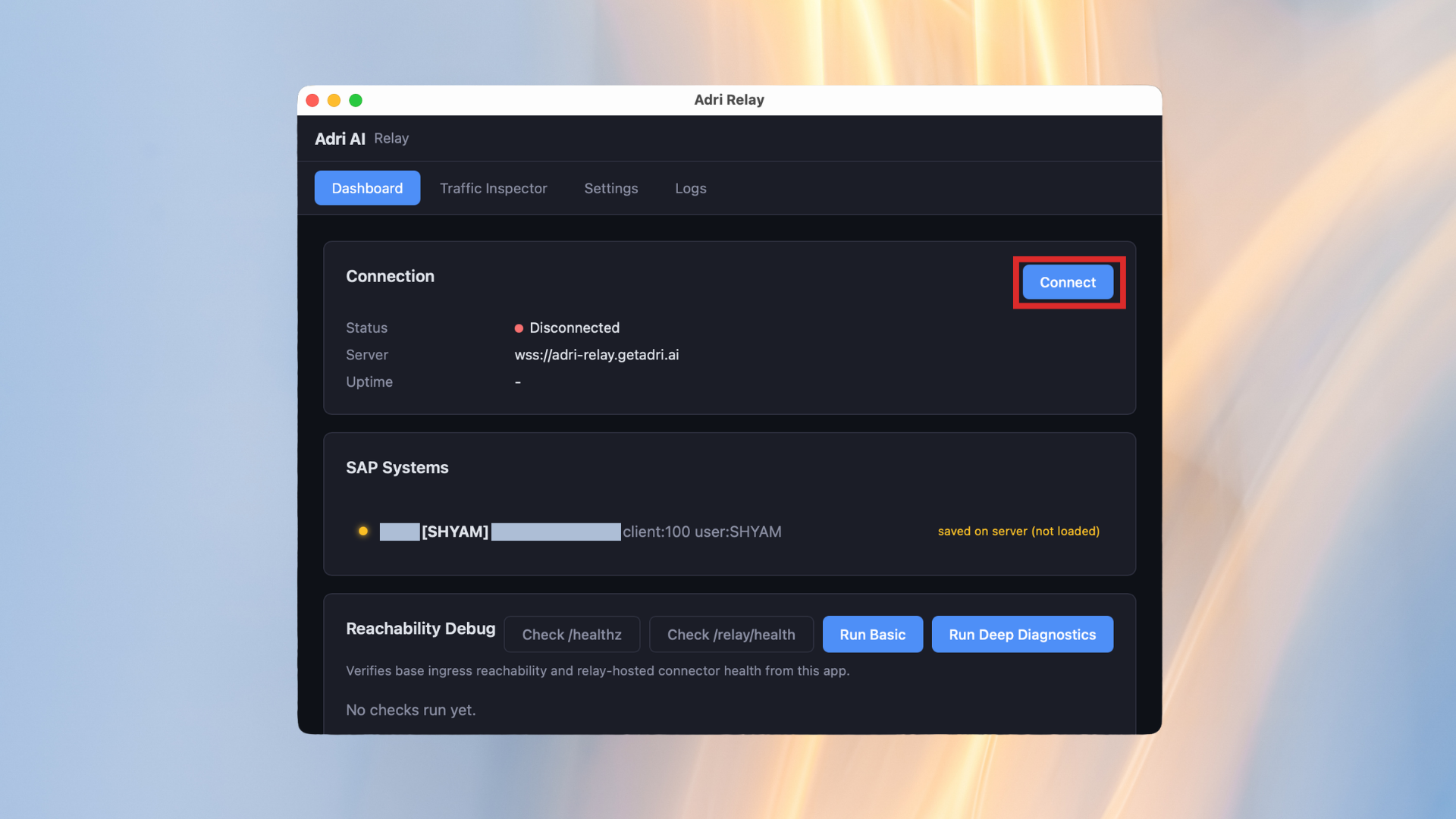
- Verify status returns to Connected and systems from all imported project configurations are available.
Repeat the same import flow for every additional project.