VPN Users
If your SAP systems are reachable only through a corporate VPN, the Adri AI Foundry extension provides a built-in Relay so that ADT traffic from Adri AI tunnels through your VS Code session.
In every screenshot, the red box shows where to focus.
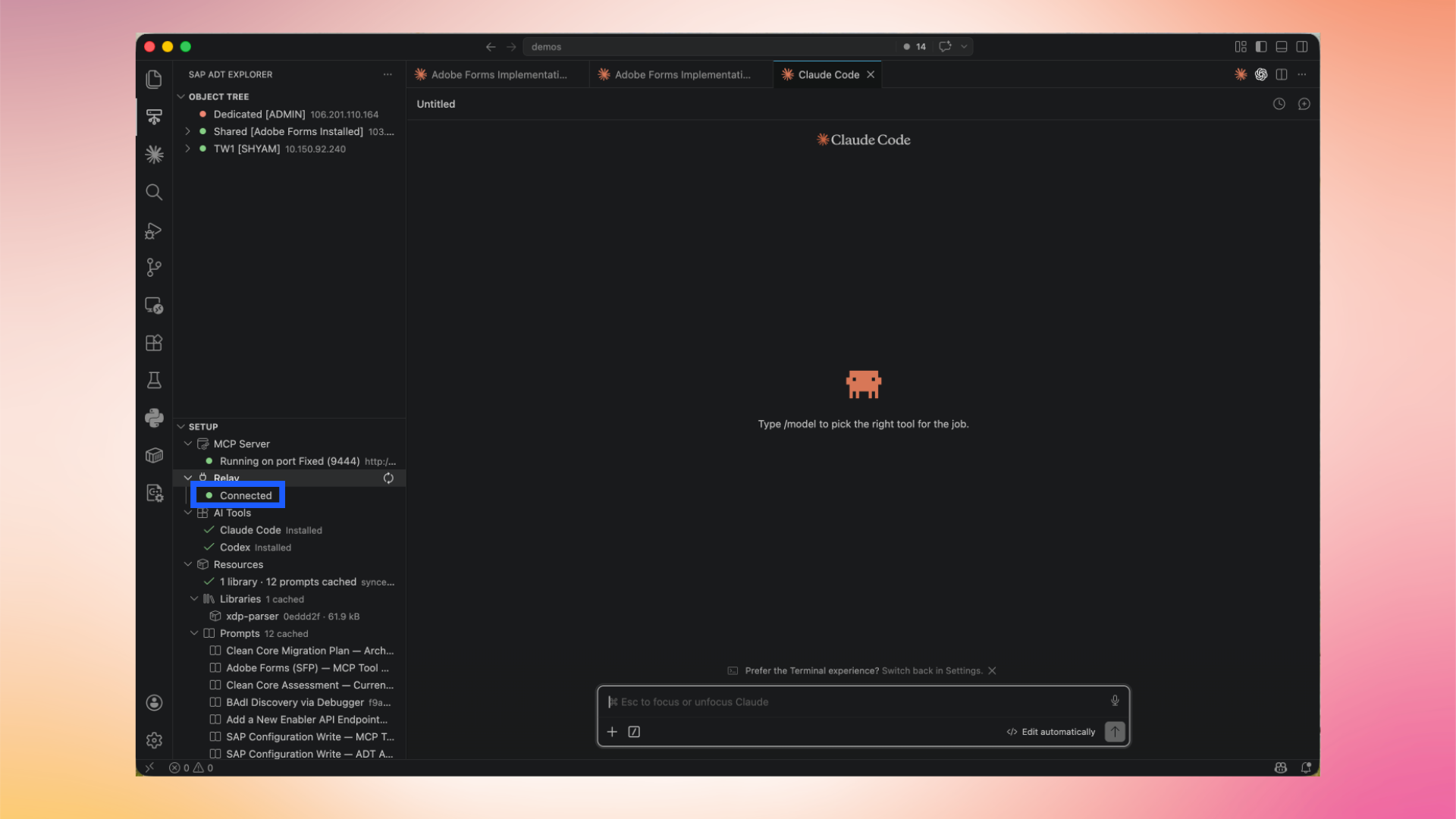
1. Open Setup → Relay
In the SAP ADT Explorer, expand the Setup section and find the Relay entry. Out of the box the relay is Stopped.
2. Start the Relay
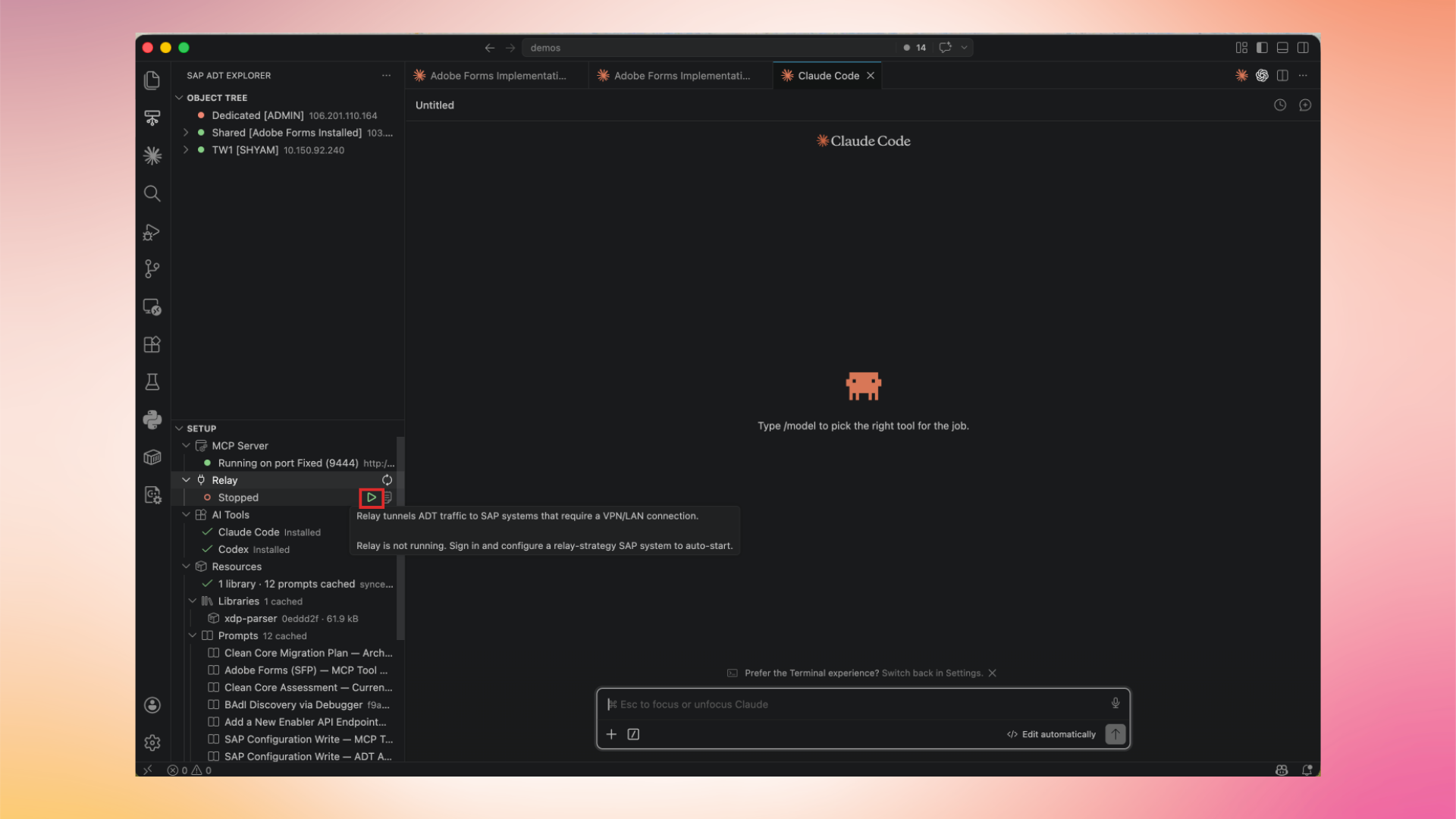
Hover over the Relay entry and click the Start icon. This starts a local relay process that forwards ADT traffic for SAP systems that require a VPN connection. Sign in and configure a relay-enabled SAP system in your project as usual.
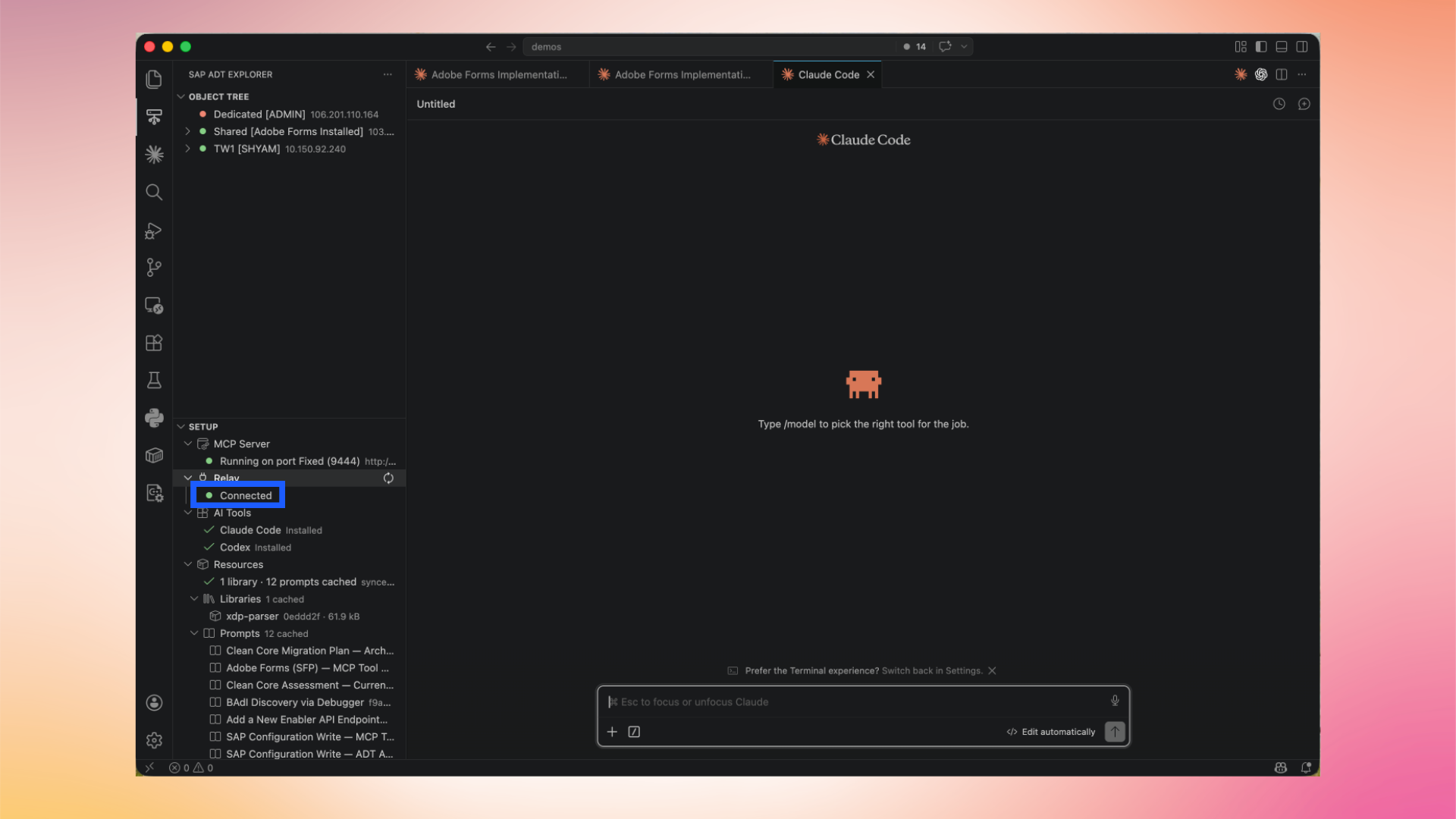
When the relay is running, the entry shows Running on port (port) and Adri AI is able to reach VPN-only systems through your machine.
For more depth on the relay and project configuration, see Configure Relay – More than one project and Upgrade Adri Relay.