Download Resources
The extension ships Libraries and Prompts as project resources that your coding agent picks up automatically. You normally do not need to download anything by hand — refreshing happens in the background — but the Resources tree gives you a way to inspect what is currently cached and force a refresh if needed.
In every screenshot, the red box shows where to focus.
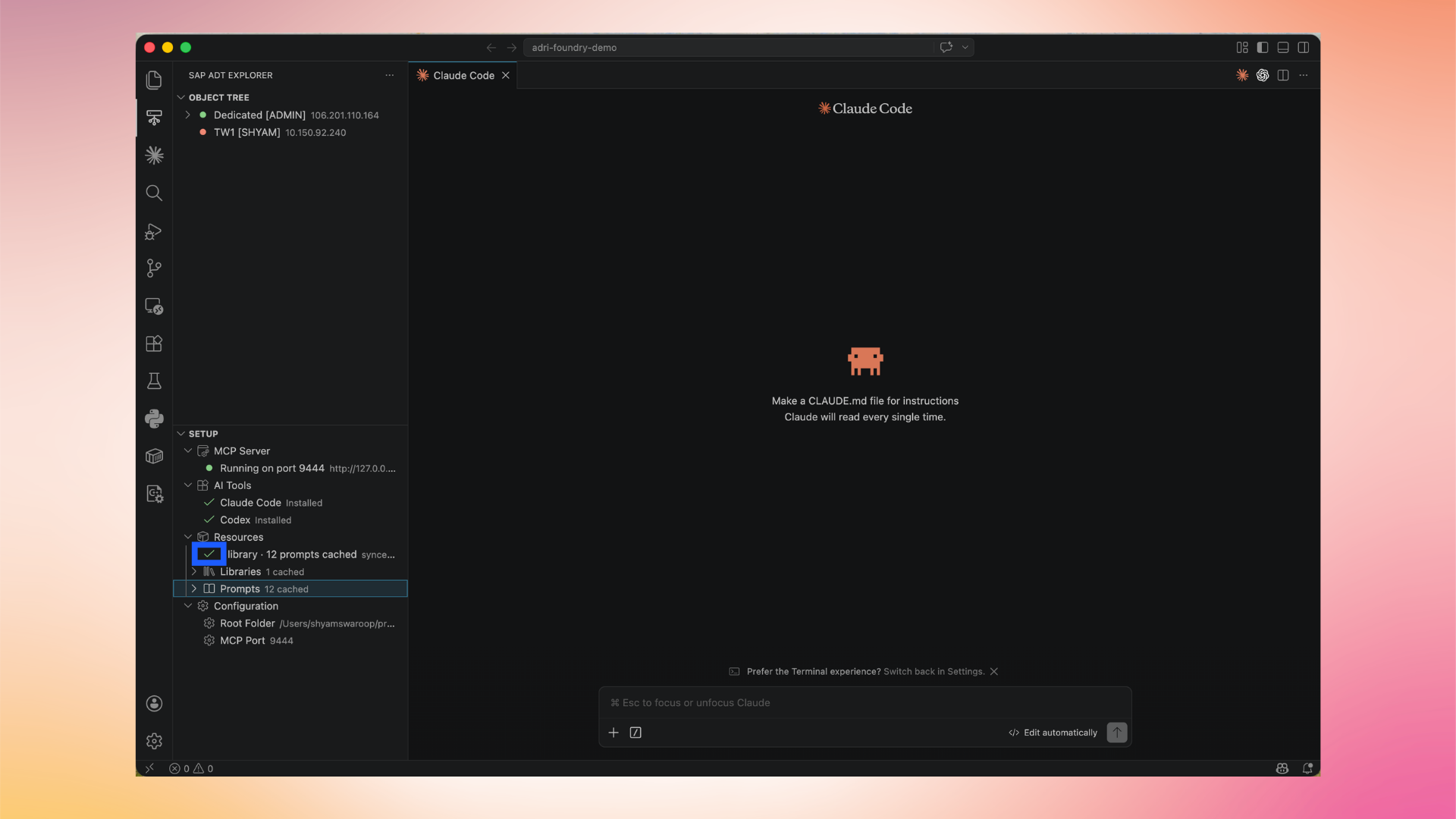
1. Open the Resources tree
In the SAP ADT Explorer, expand Setup → Resources. You will see entries for Libraries and Prompts, each with a count and a cached state (e.g. 12 prompts cached).
2. Refresh resources (optional)
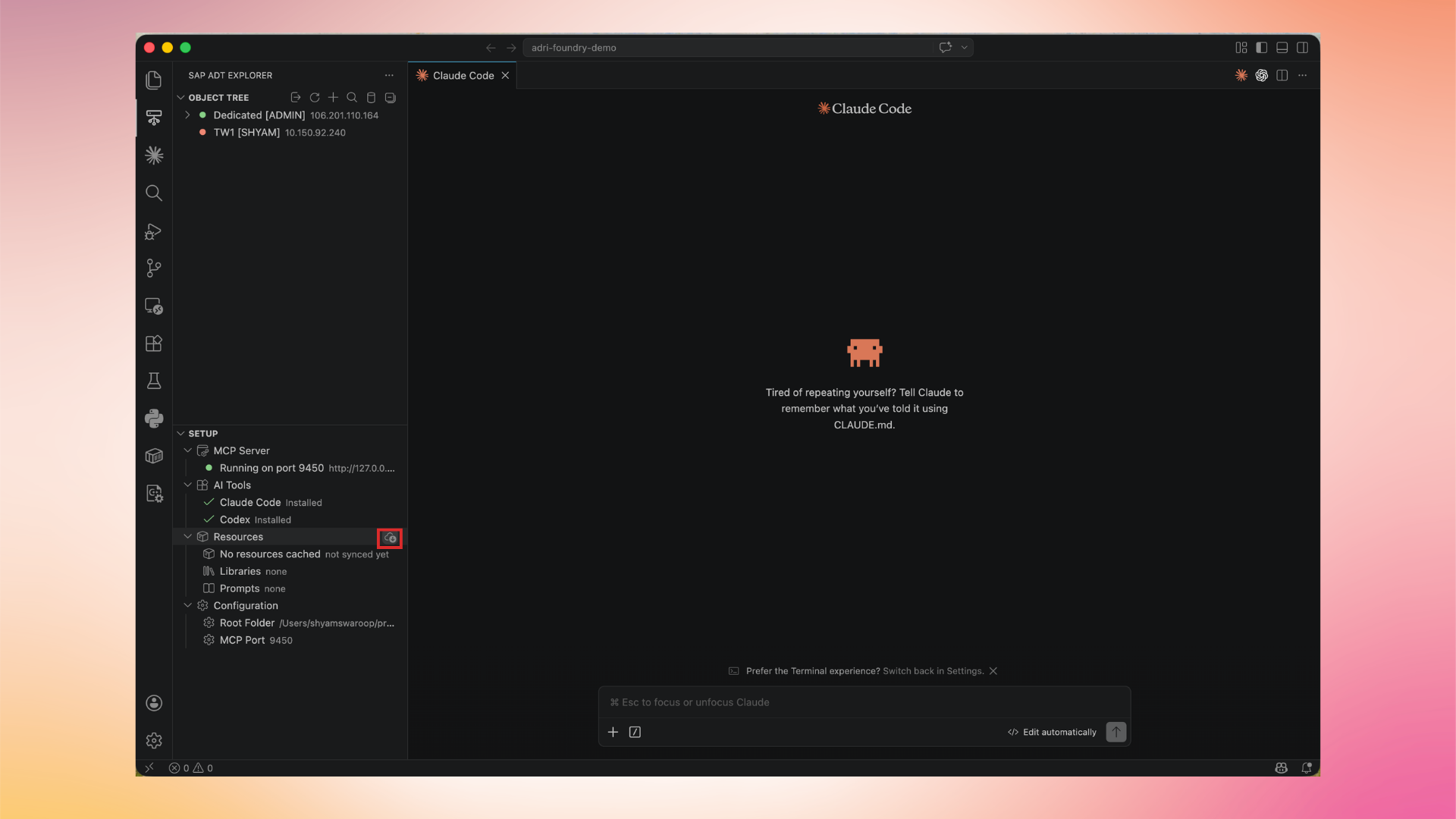
Hover over Resources and click the Refresh icon. The extension contacts Adri AI and re-syncs the libraries and prompts for your project.
3. Verify the cached output
Once refreshed, the entries are updated in place — for example, Prompts moves from not synced yet to a count of cached prompts.
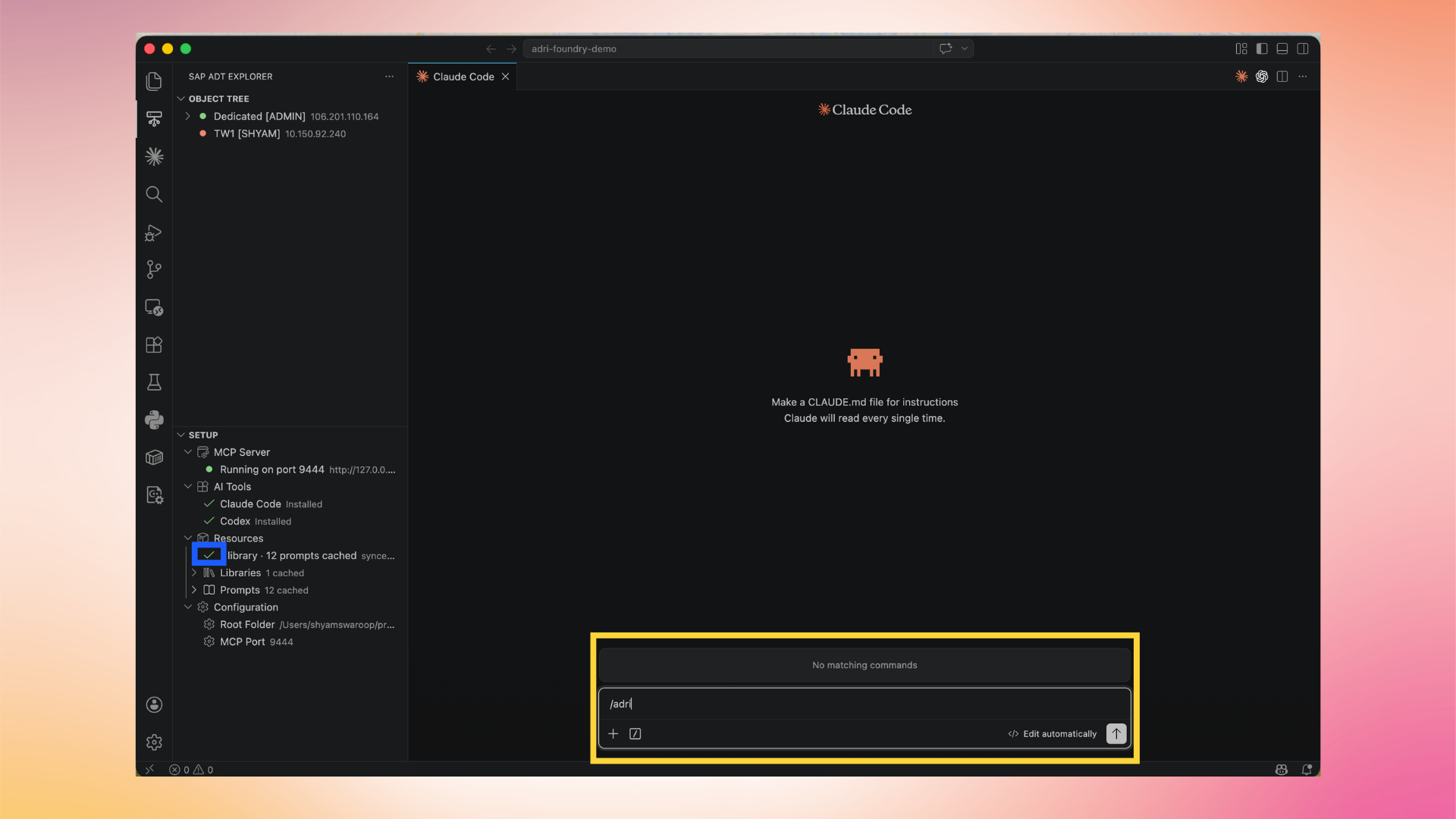
4. Run a command from the agent
The cached resources are immediately visible to your installed coding agent (e.g. Claude Code or Codex). Use the agent's command palette to invoke them.
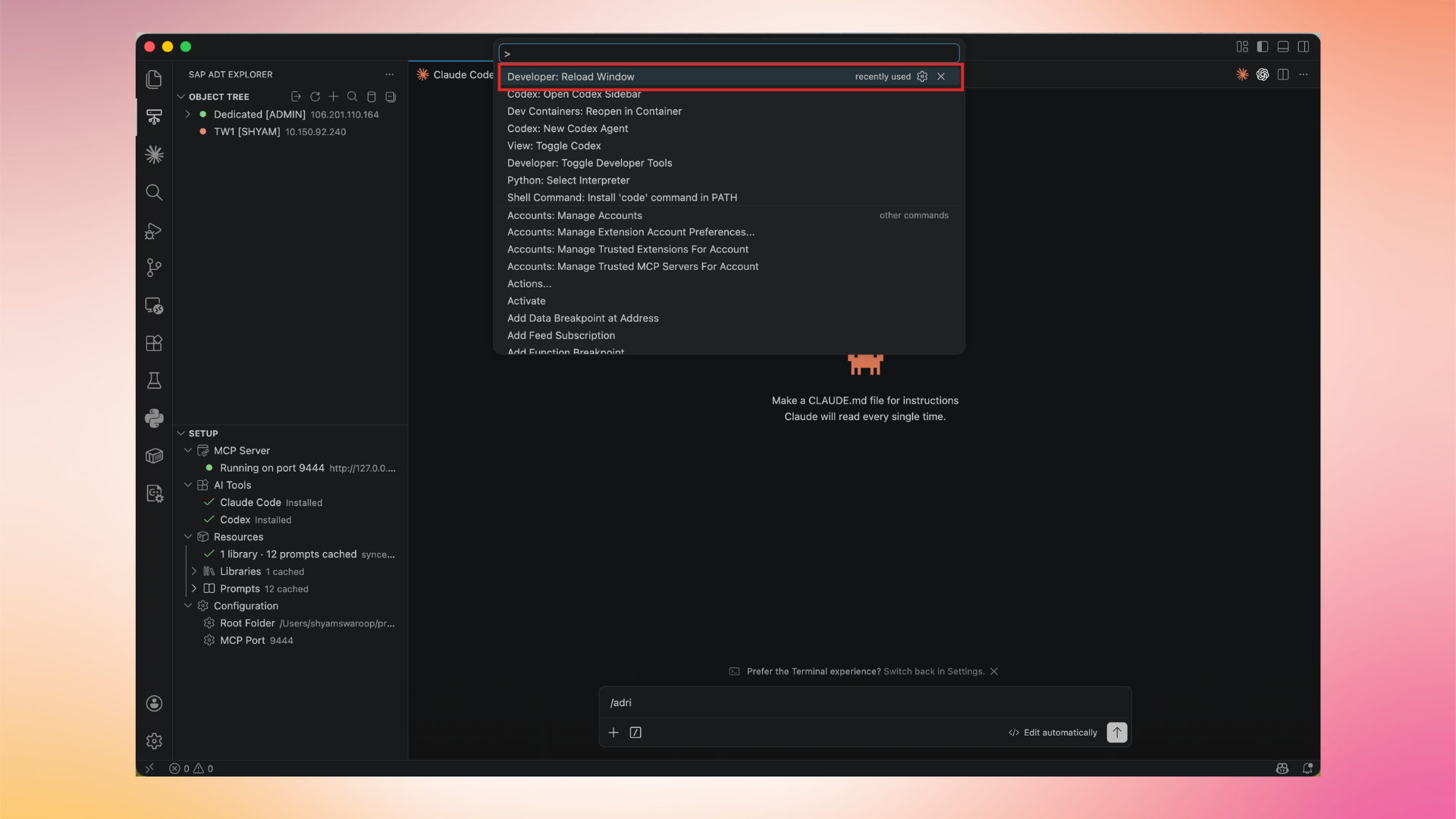
This step is optional in normal use: resources stay current automatically.