VPN Users
- Create your SAP connection first: Connect Your SAP System
- Need help finding the Project Settings app? See Open a Project.
- Already using Adri Relay and upgrading? See Upgrade Adri Relay (VPN Users).
- Need one relay app for multiple Adri projects? See Configure Relay for More Than One Project (VPN Users).
Install Adri Relay on your laptop
Use this section if your SAP systems are only reachable through VPN. Adri Relay is a small desktop app that securely connects Adri AI to your VPN-only SAP systems.
In every screenshot, the red box shows exactly where to focus.
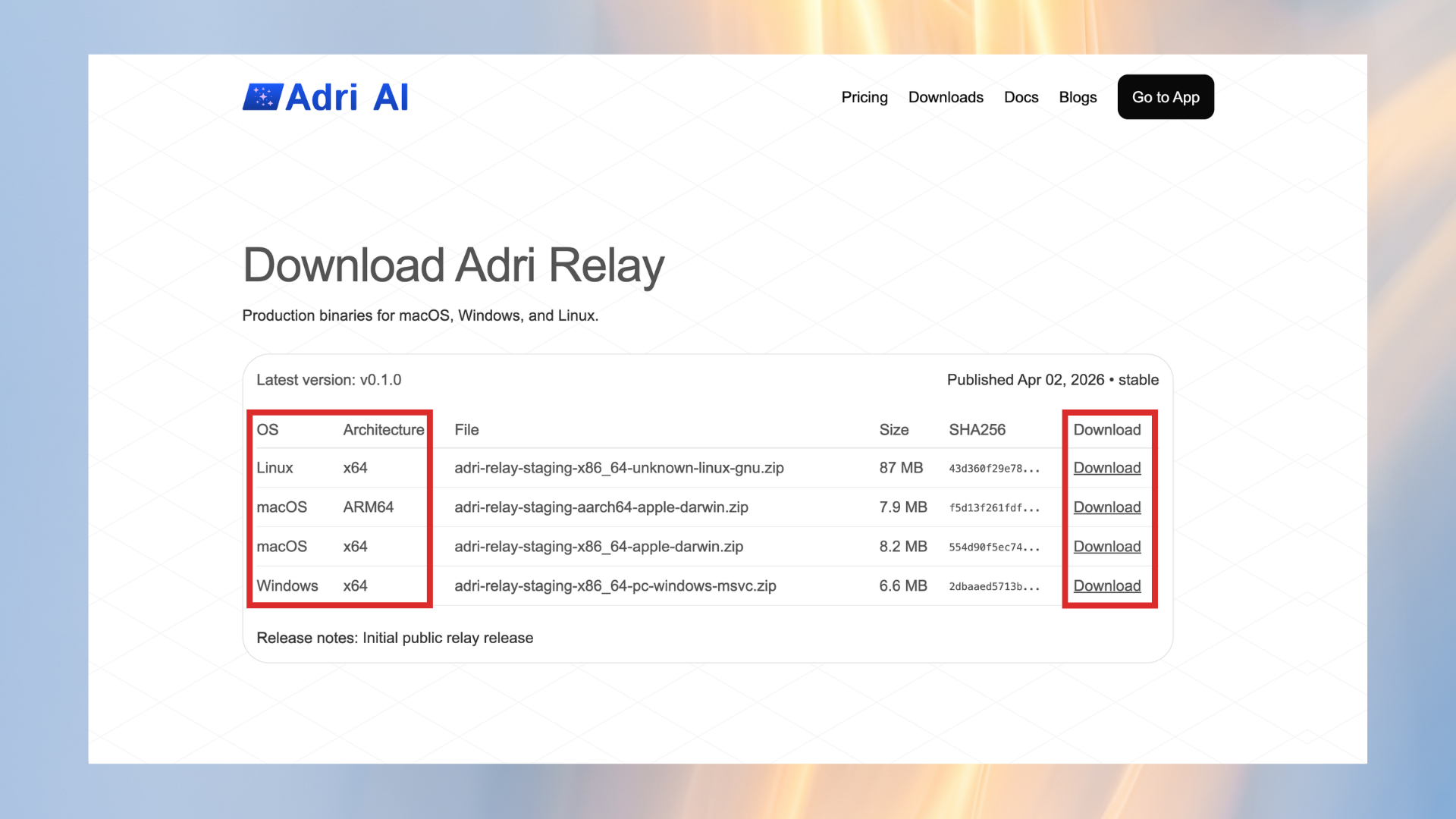
- Open getadri.ai and click Downloads in the top navigation.

- On the Download Adri Relay page, choose your OS and click Download.
- Unzip the downloaded file and start the Adri Relay app.
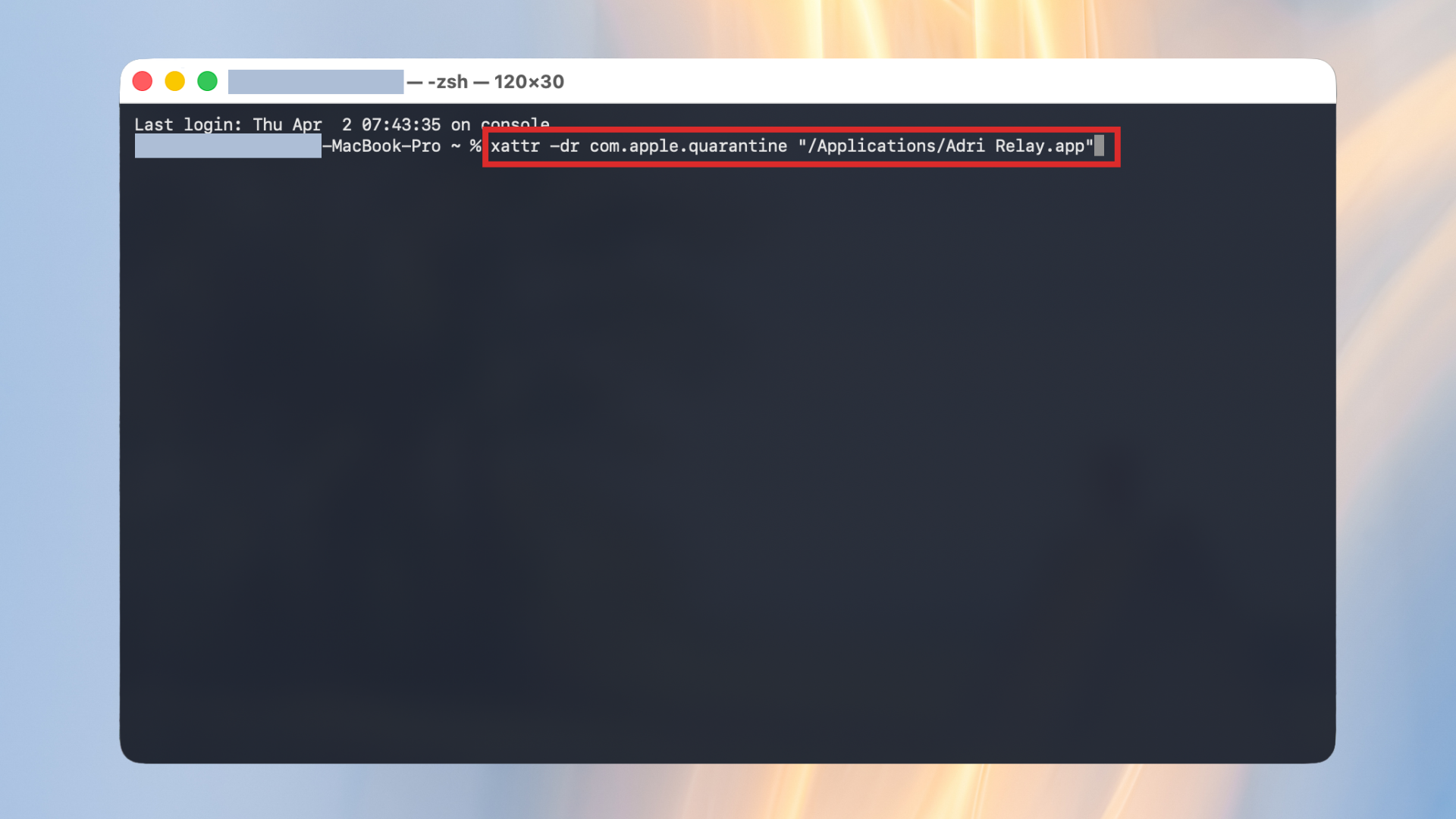
- On macOS, if the app is blocked, run this command in Terminal:
xattr -dr com.apple.quarantine "/Applications/Adri Relay.app"
Configure Adri Relay
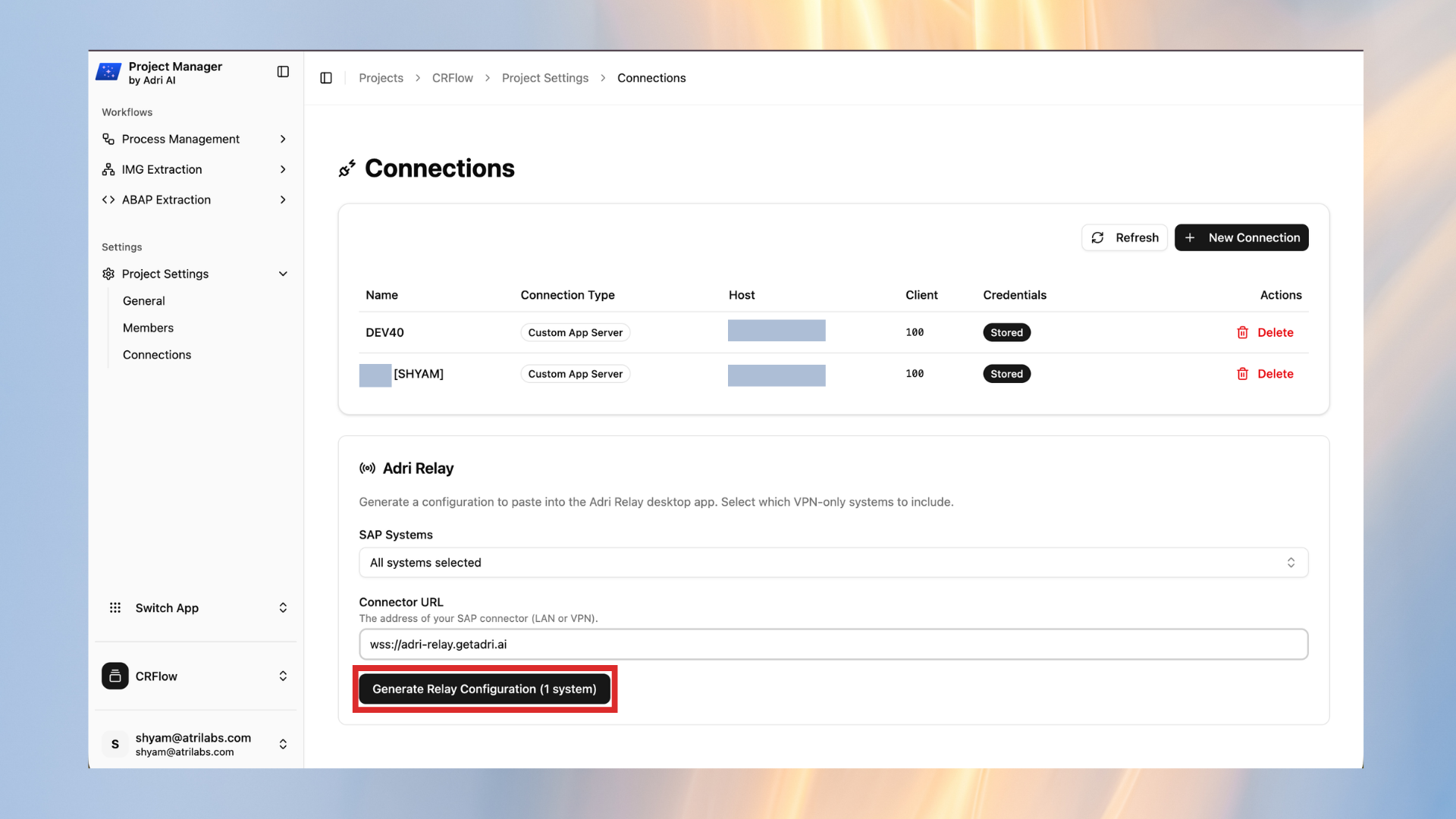
- In Adri Project Manager, open Project Settings and click Connections.
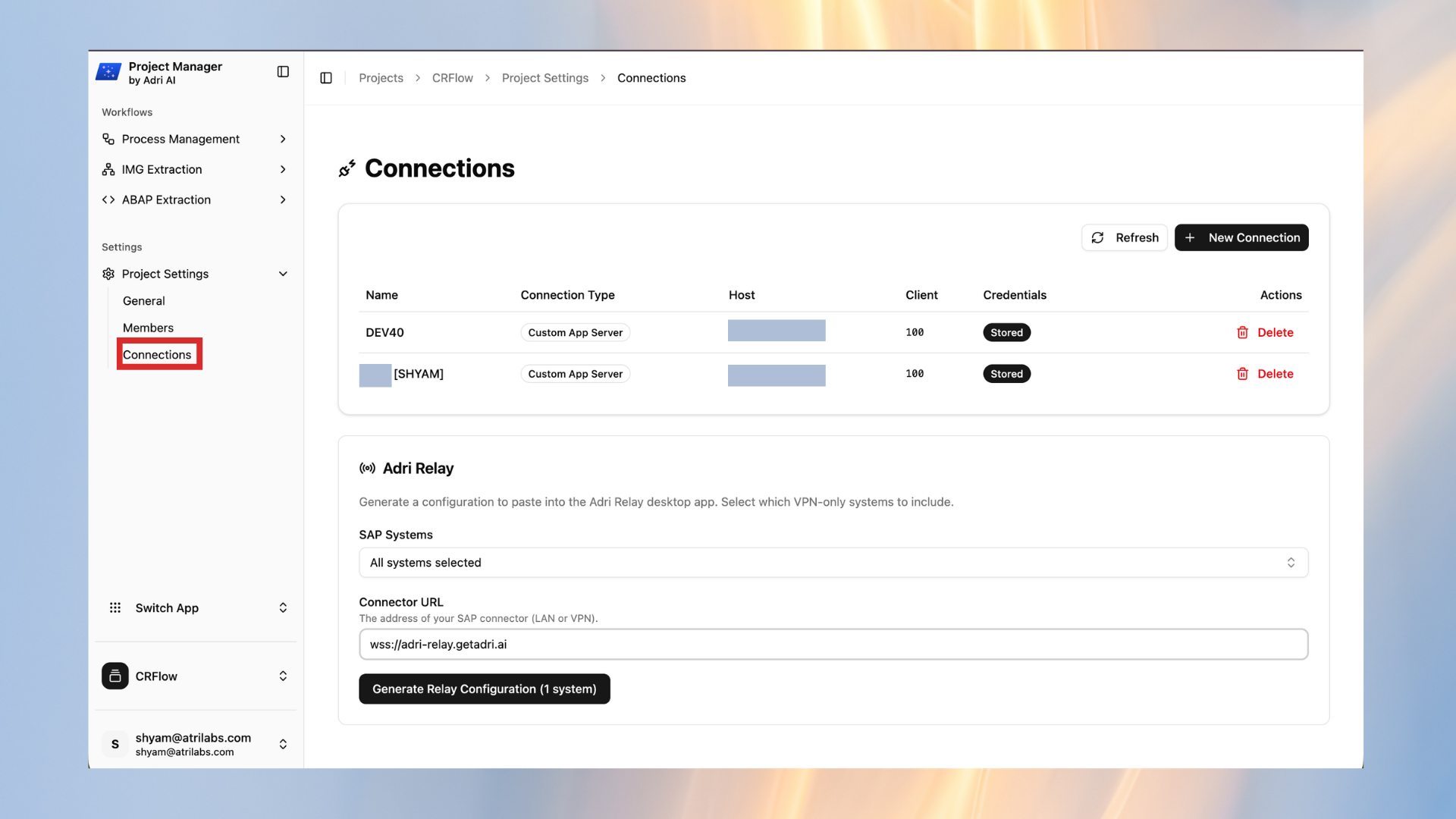
- In the Adri Relay section, click Generate Relay Configuration.
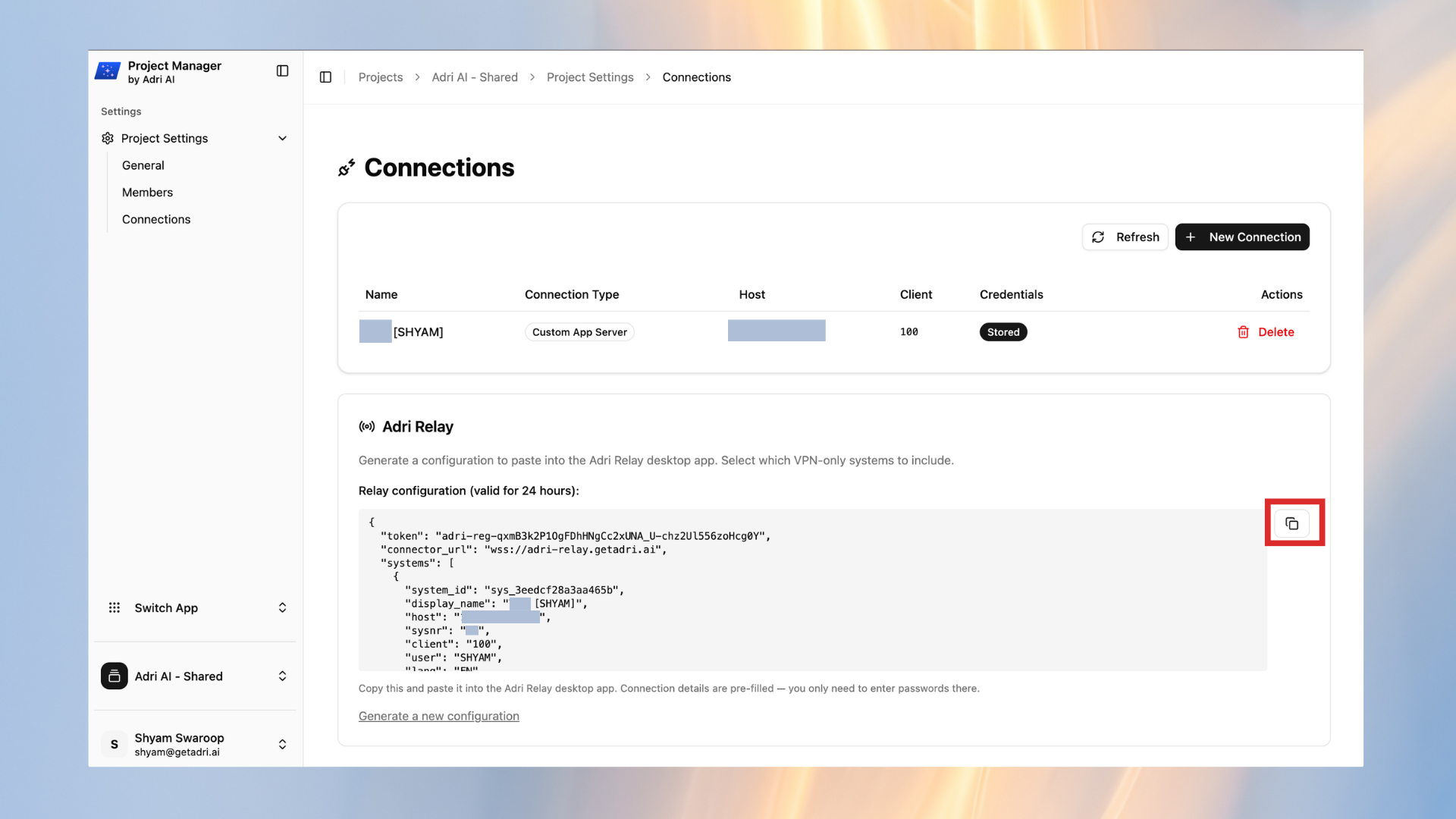
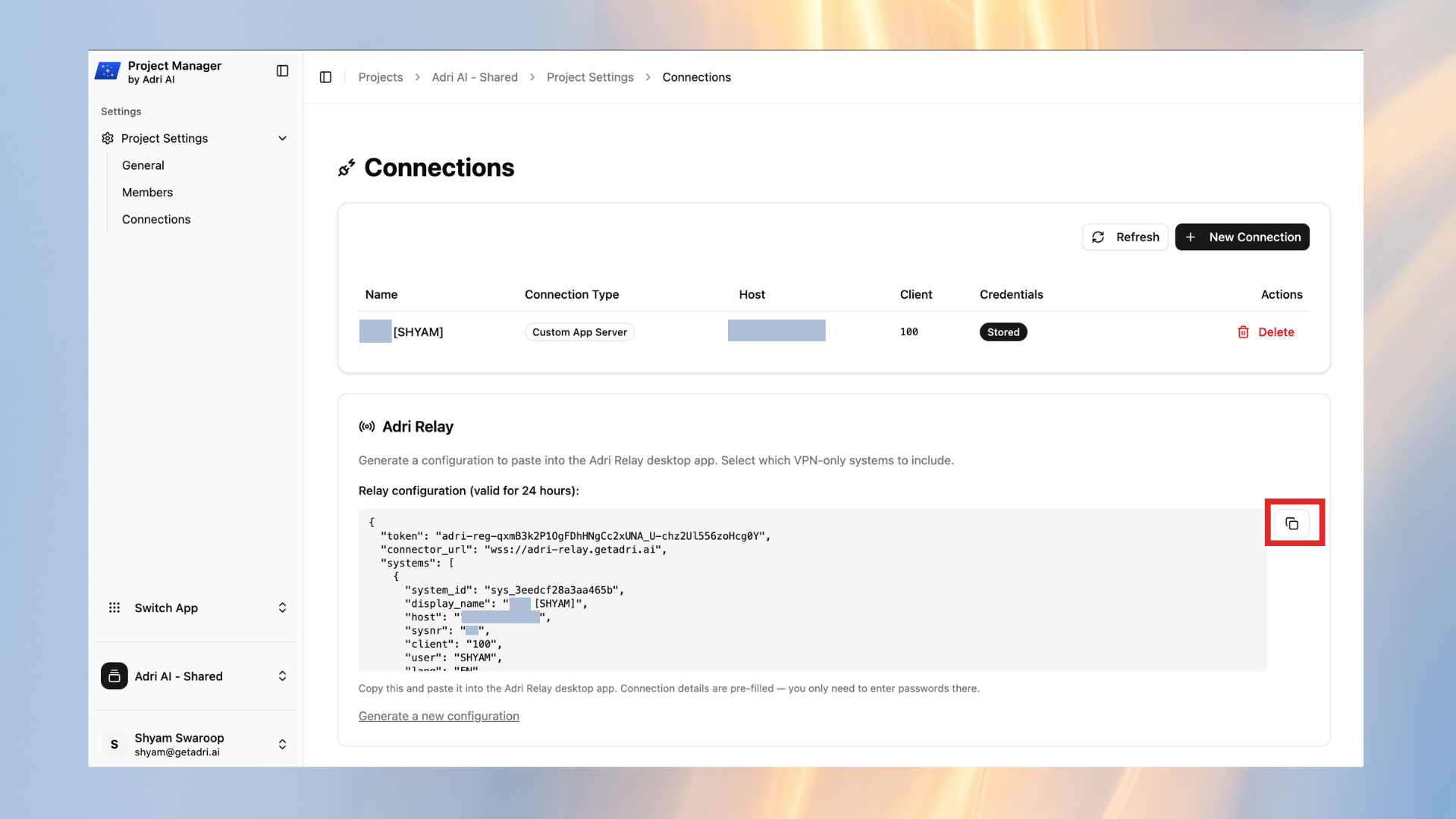
- Copy the generated relay configuration using the copy icon.
- Open the Adri Relay desktop app and go to the Settings tab.
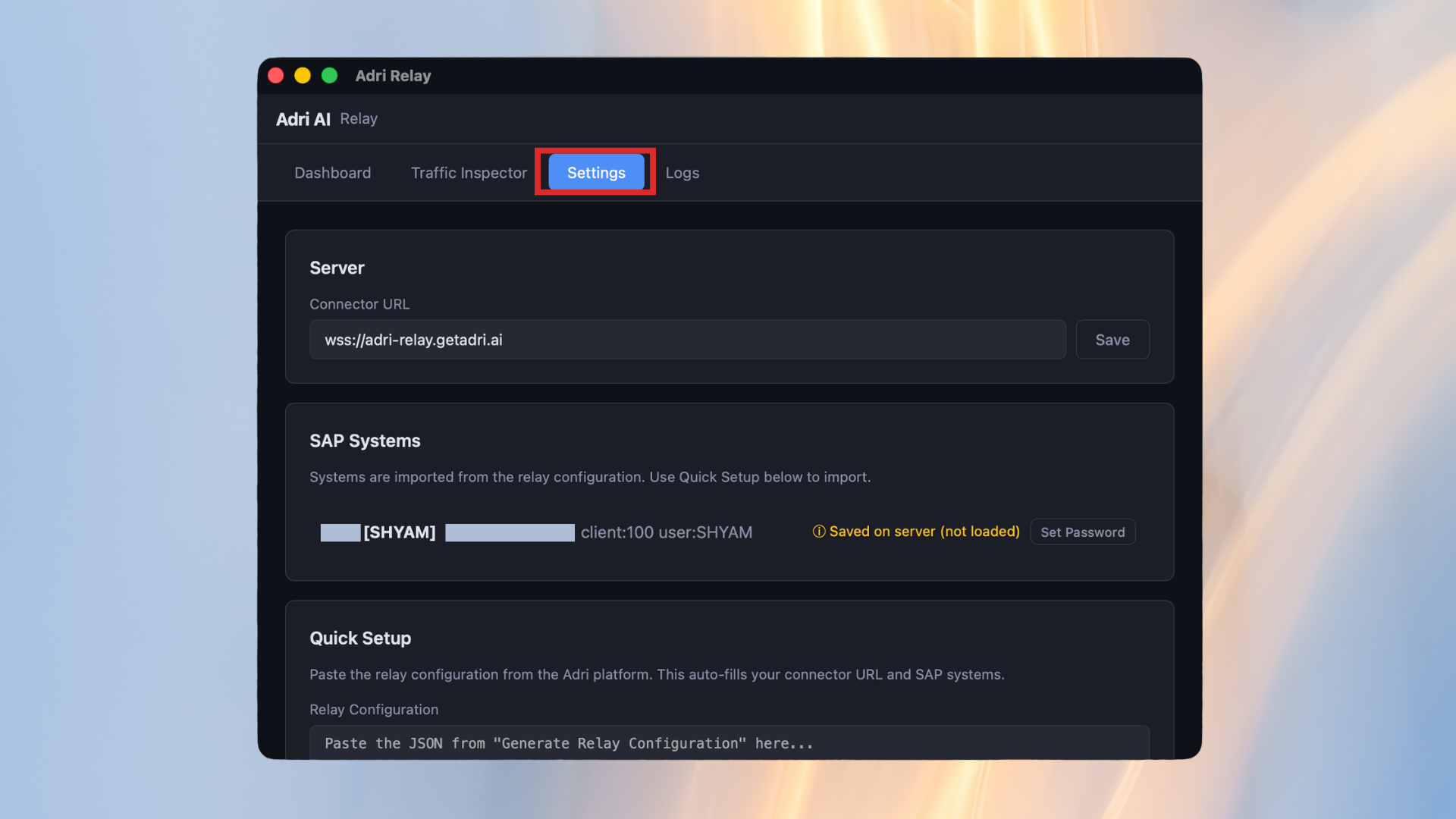
- Scroll to Quick Setup and paste the copied relay configuration.
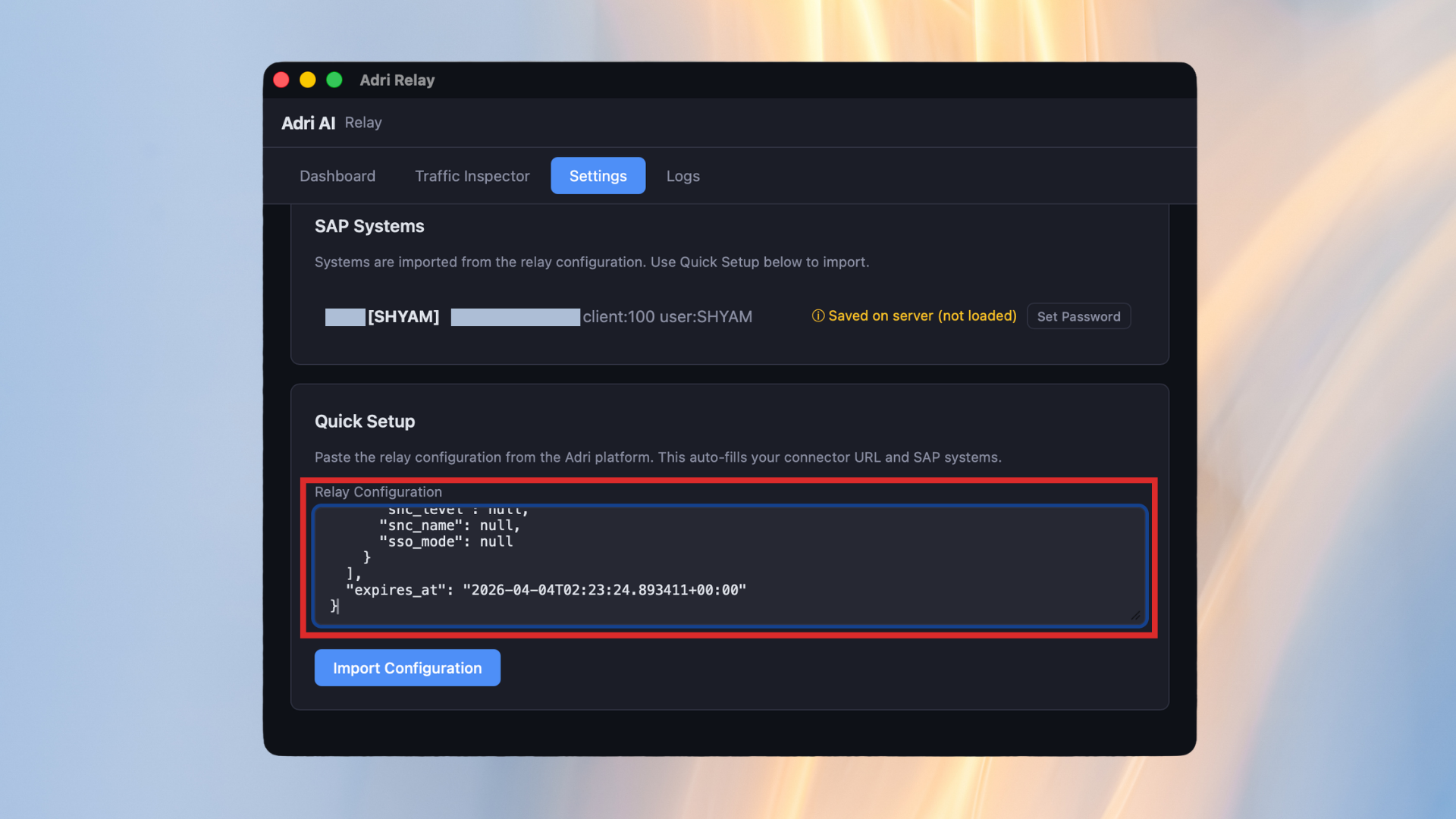
- Click Import Configuration.
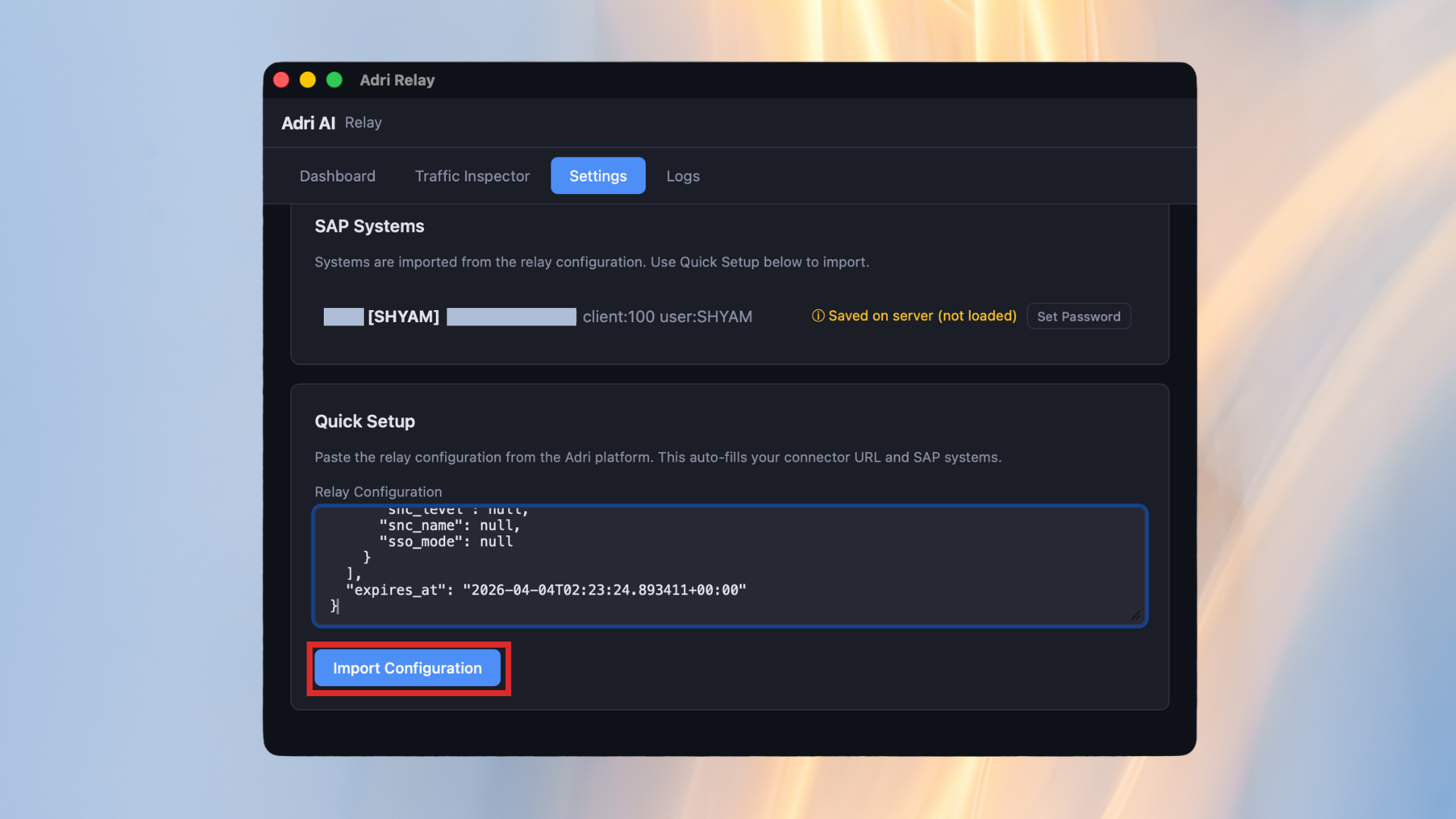
- Click Register.
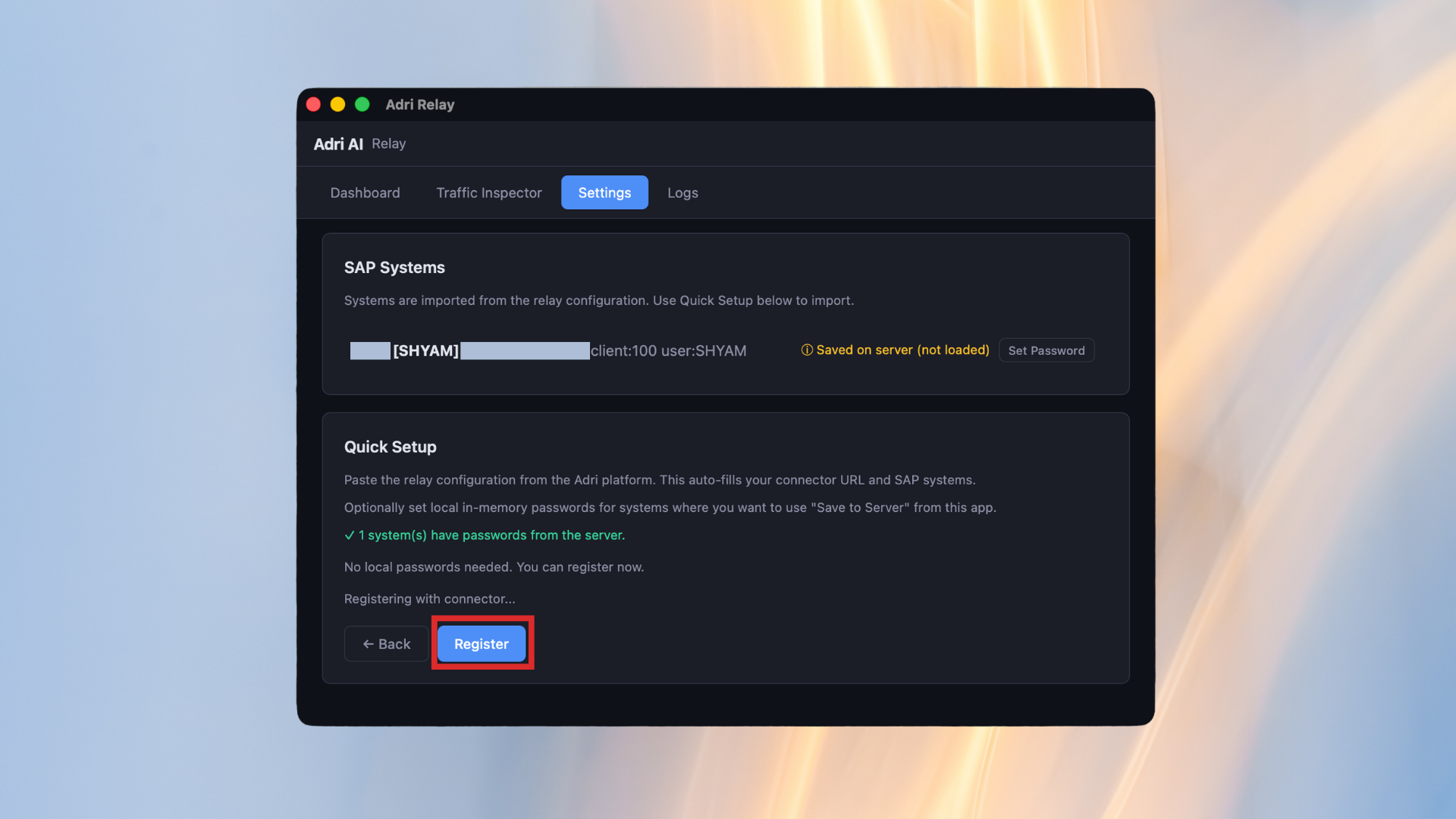
- Wait until you see Setup complete.
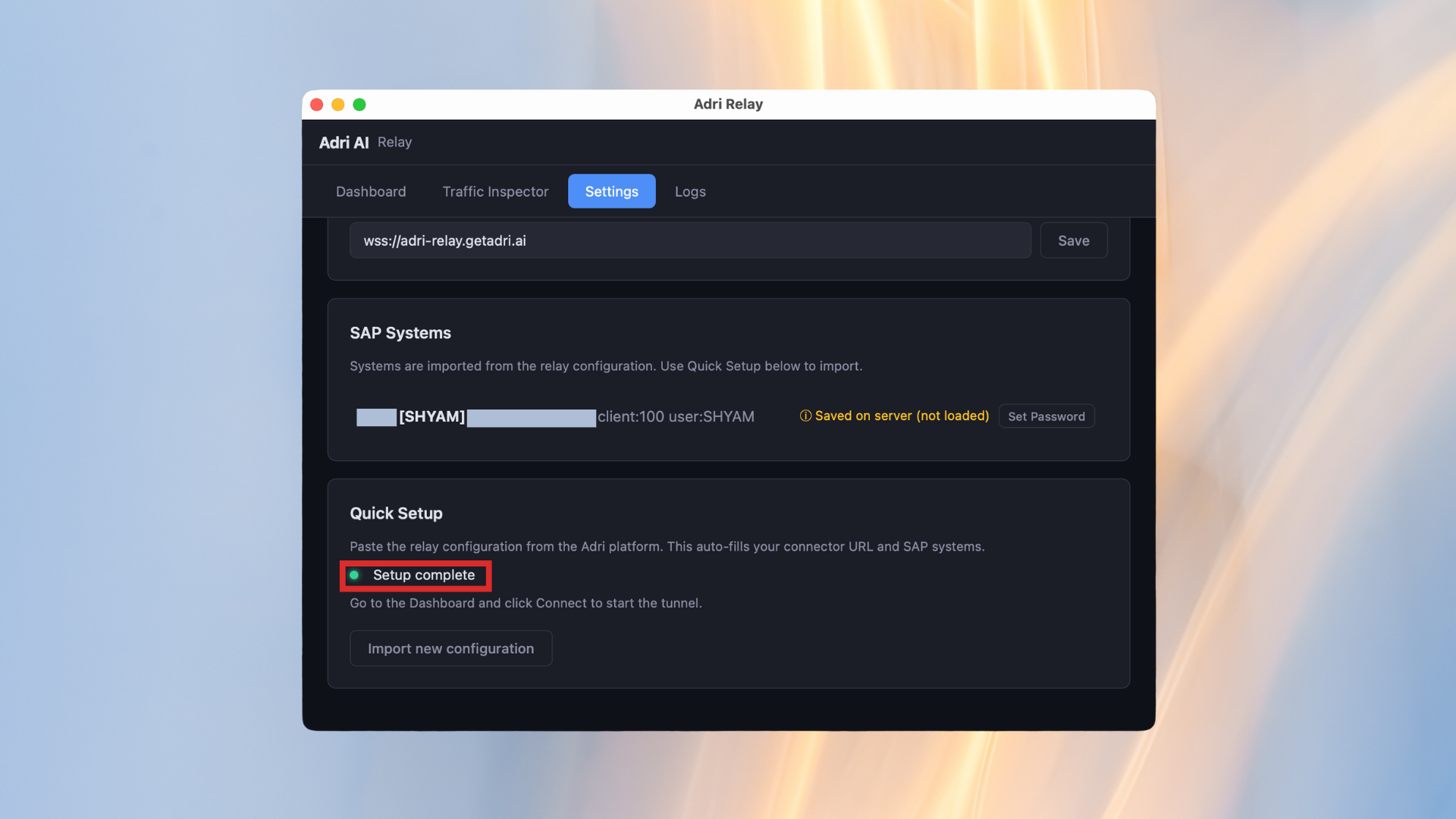
- Open the Dashboard tab.
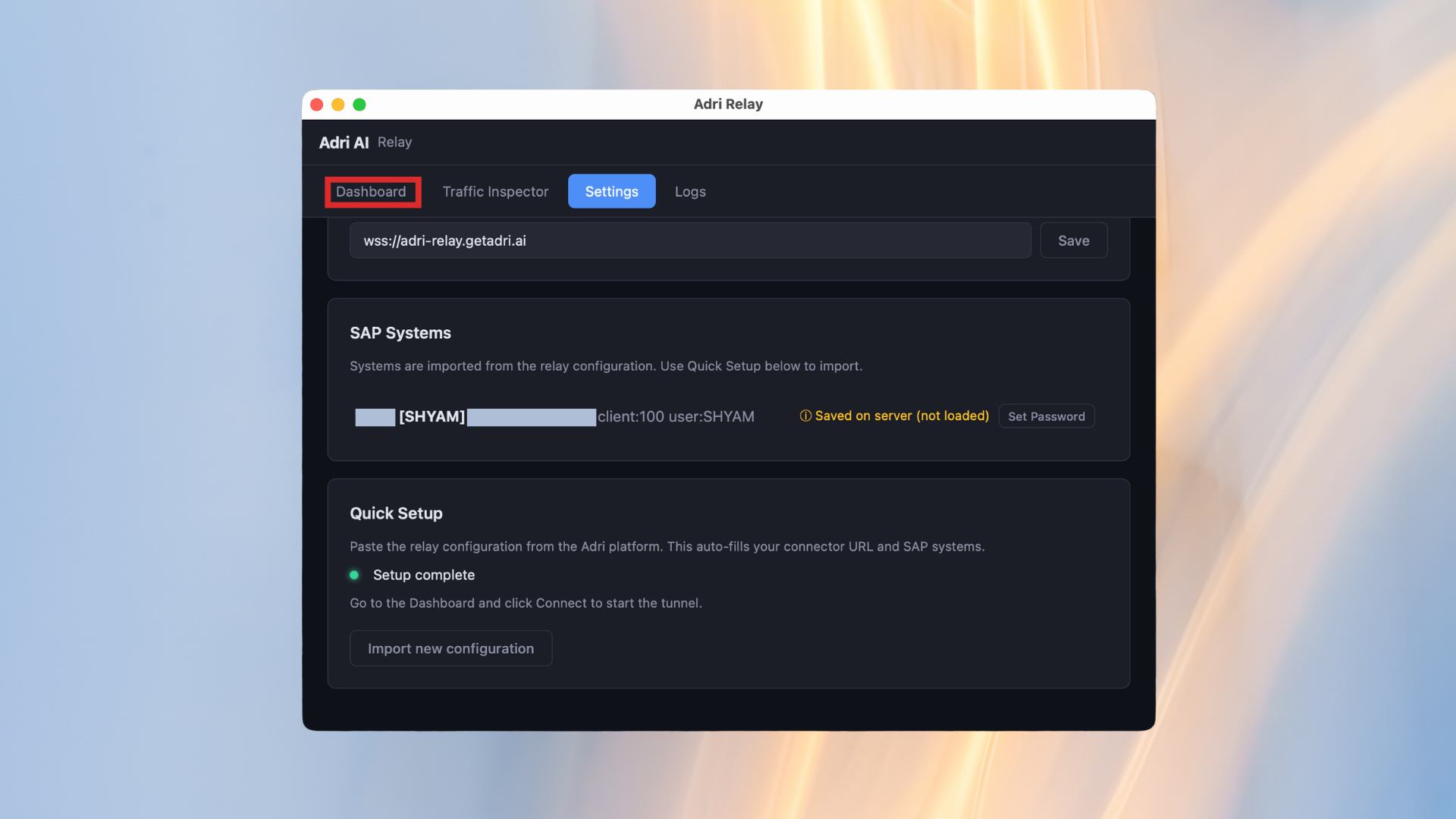
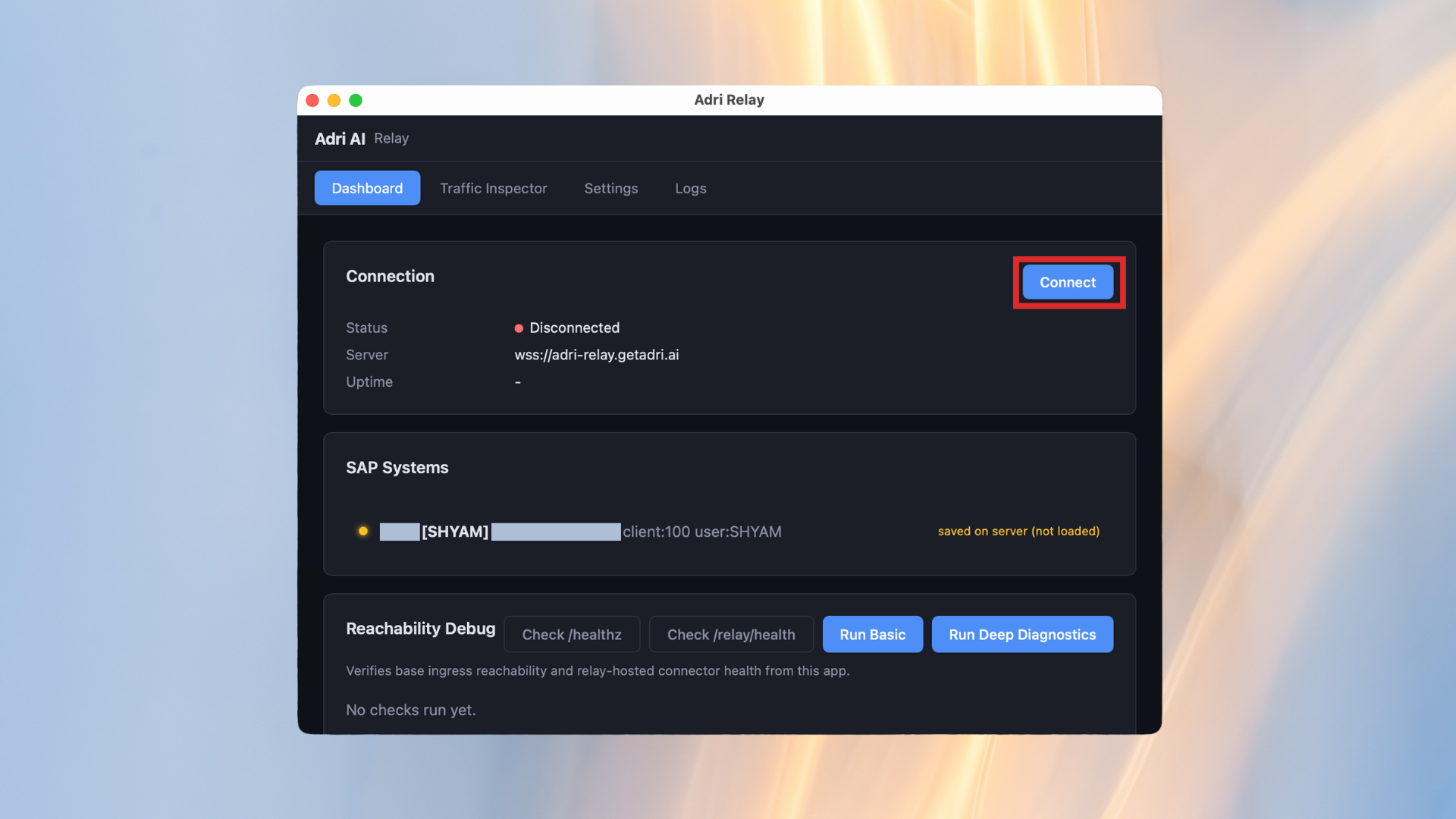
- Click Connect.
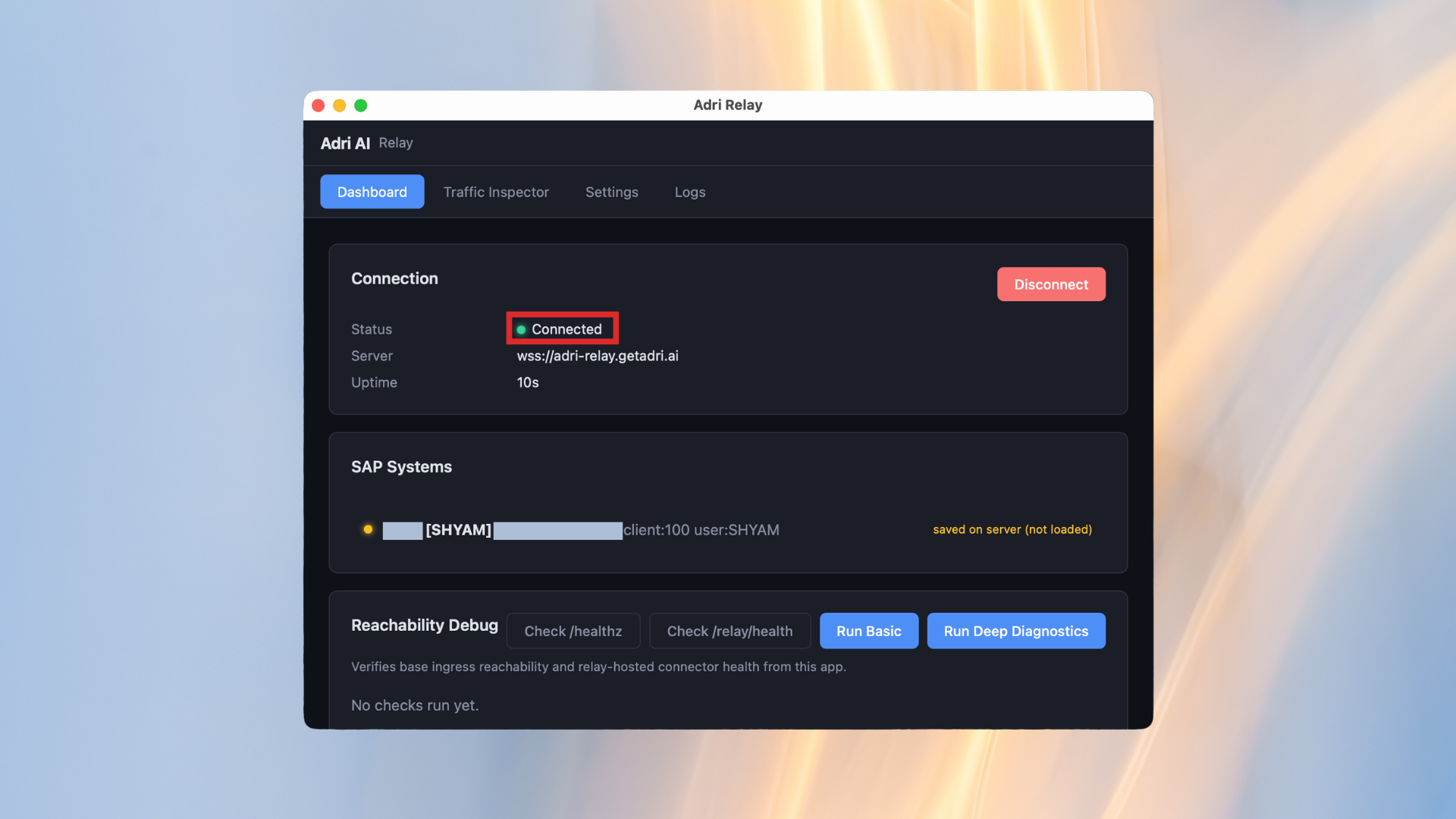
- Confirm the status changes to Connected.
Connect a SAP system in Adri Code Agent
Use this guide after your SAP connection is already created.
In every screenshot, the red box shows exactly where to focus.
- Open code.getadri.ai and click Systems.
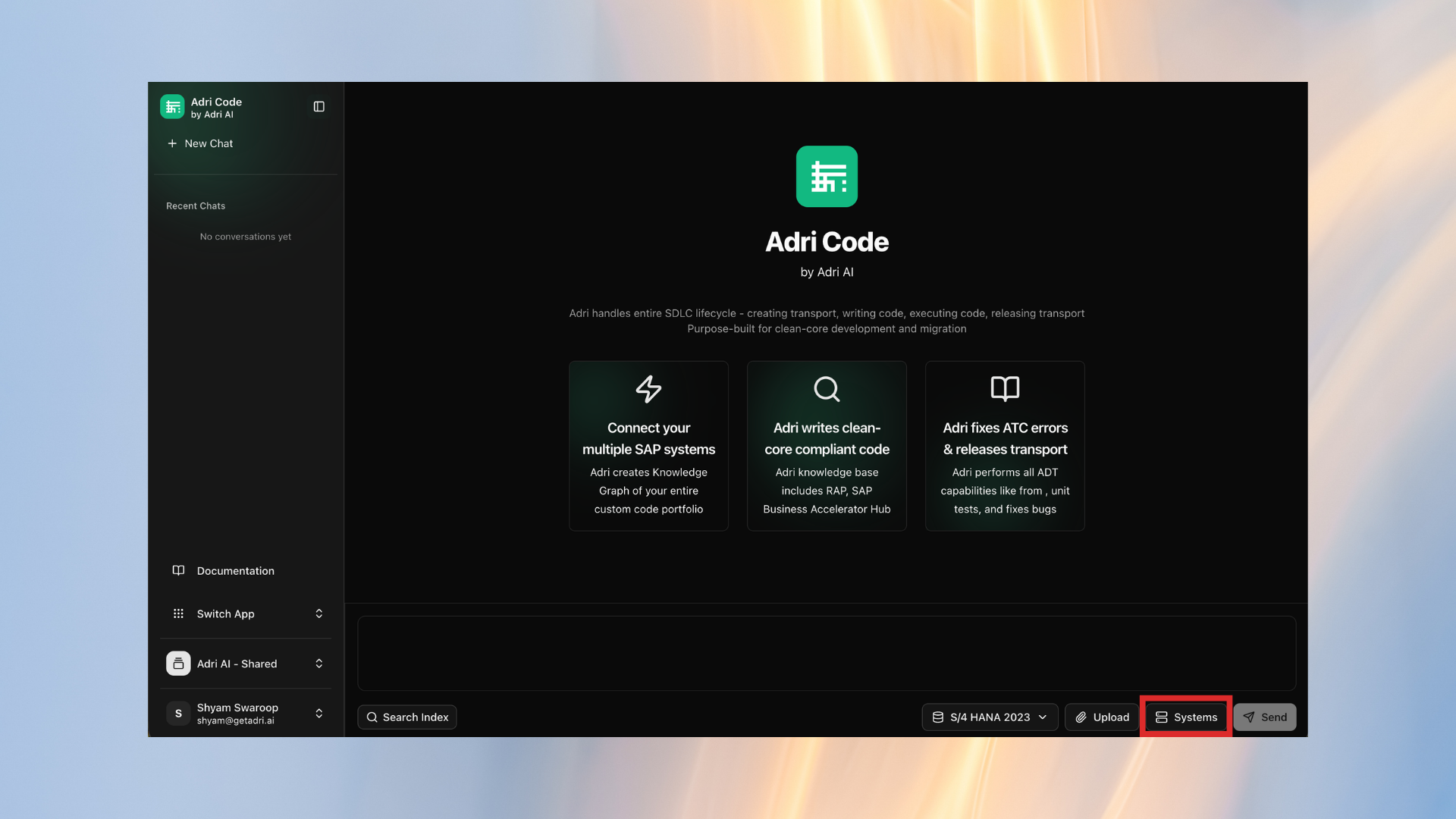
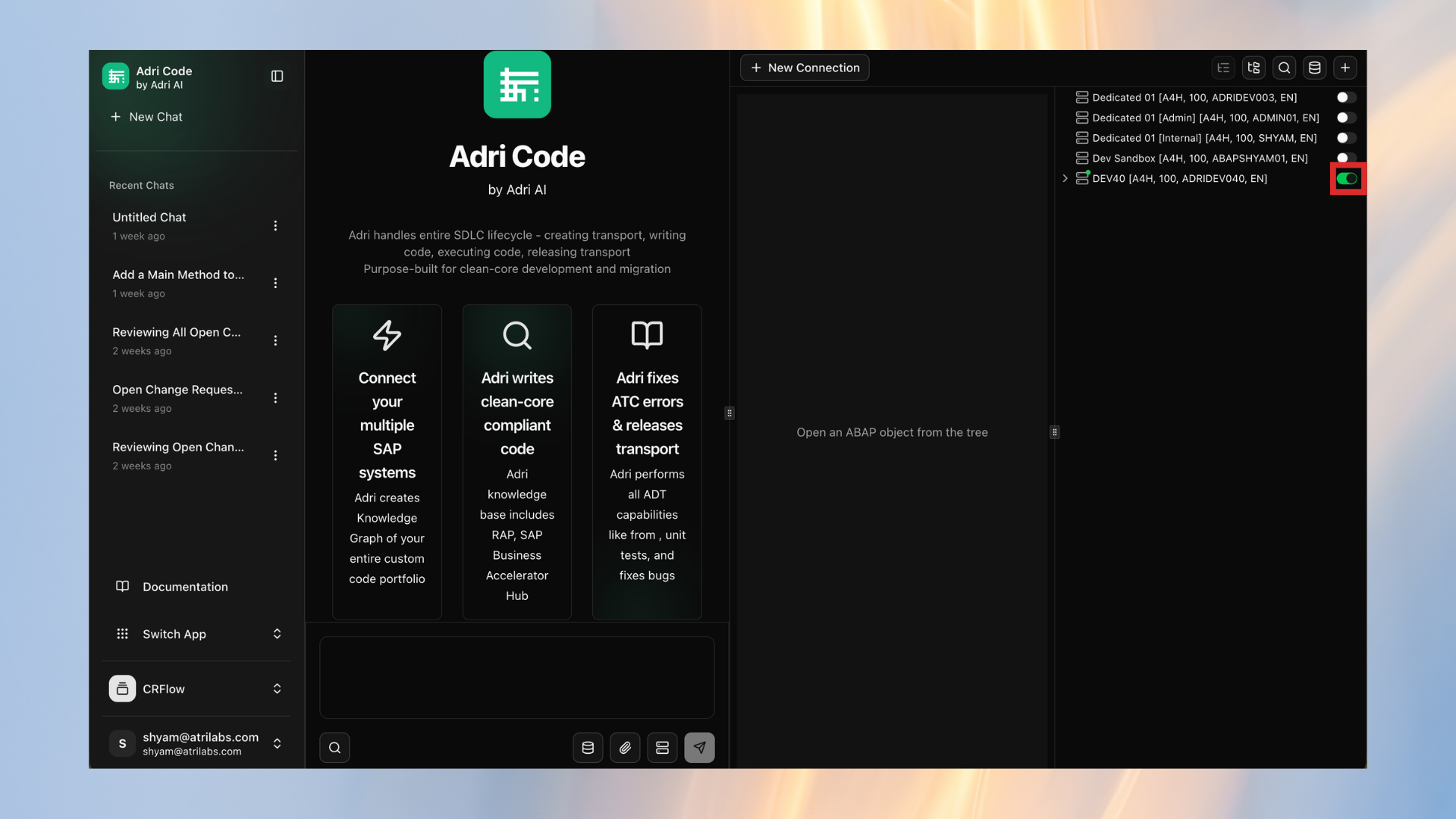
- In the systems panel, turn on the switch for the SAP connection you want to use.
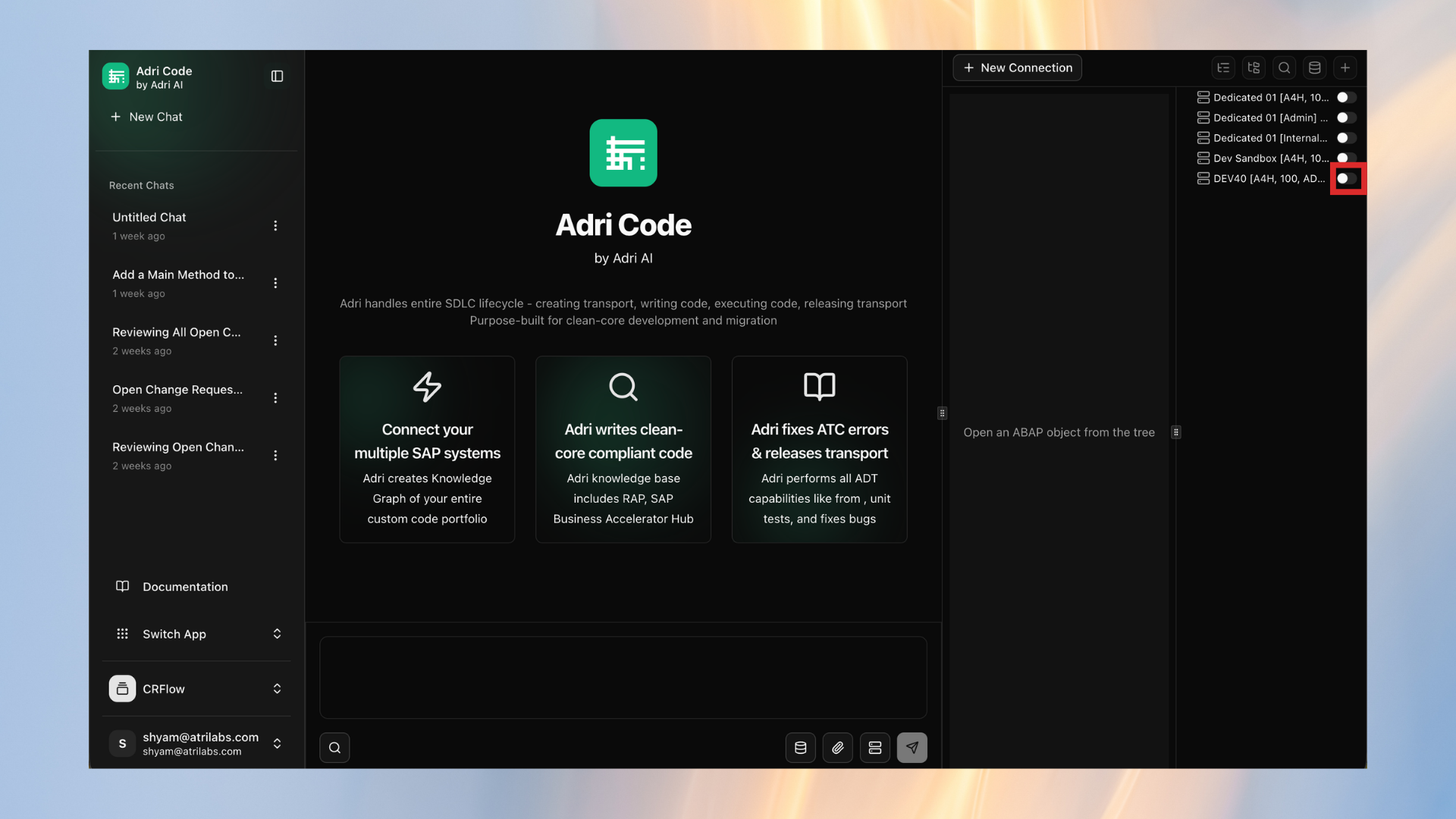
- Wait until the switch turns green. This means the system is connected and ready.