Migrate a PI/PO interface
Before starting, complete the PI/PO connection, Integration Suite Toolkit, and Cloud Foundry connection.
- Connect the PI/PO system from the Object Tree.
- Create or open an Adri Code Agent session.
- Select Link systems.
- Enable the source PI/PO system and the target Cloud Foundry sign-in.
- Select Link systems.
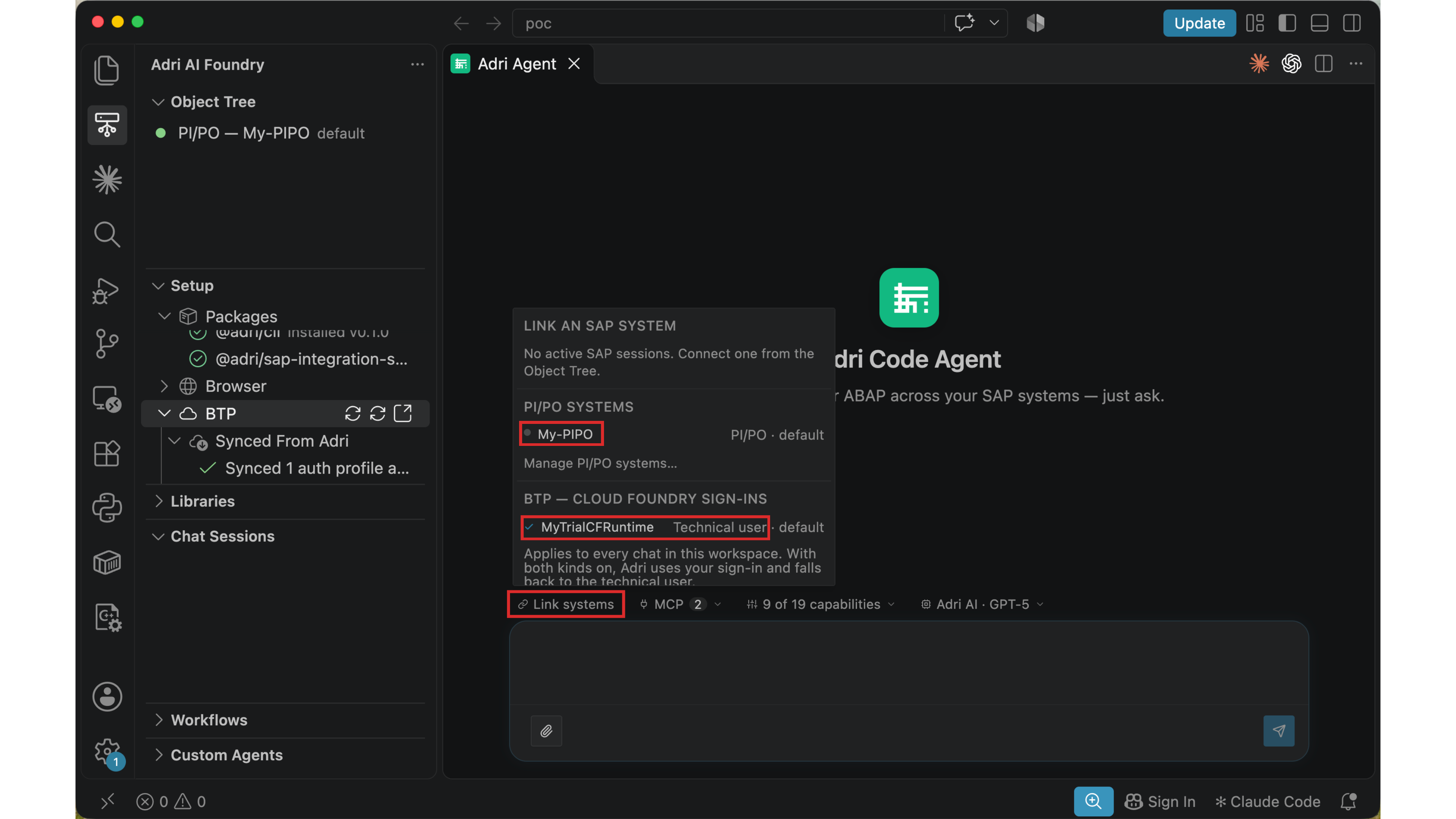
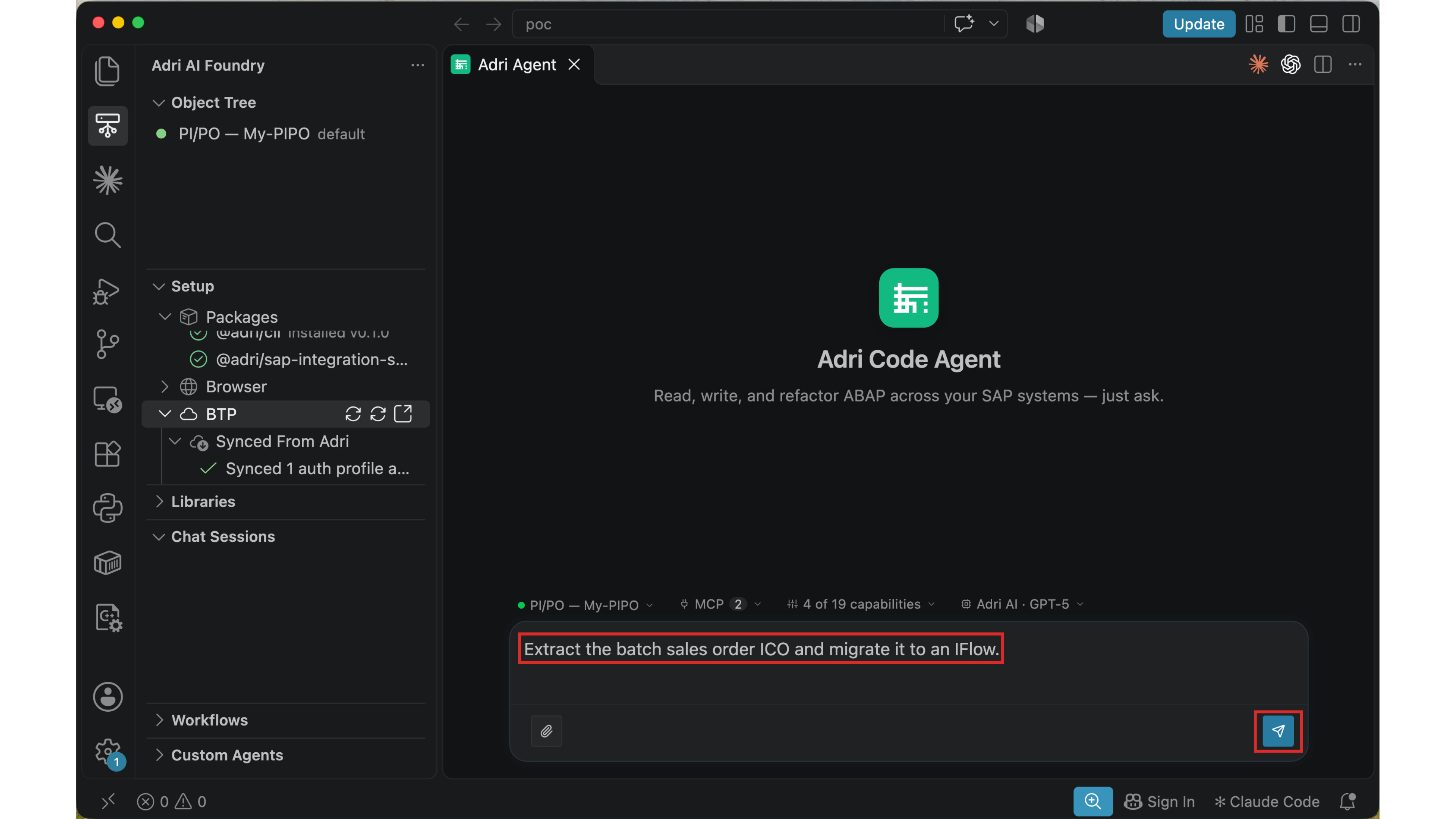
Describe the source interface and desired result. For example:
Extract the batch sales order ICO and migrate it to an iFlow.
Review the linked systems, enabled capabilities, and model above the message box, then select Send.
For the complete journey from signup through this first request, follow set up PI/PO to Integration Suite migration.