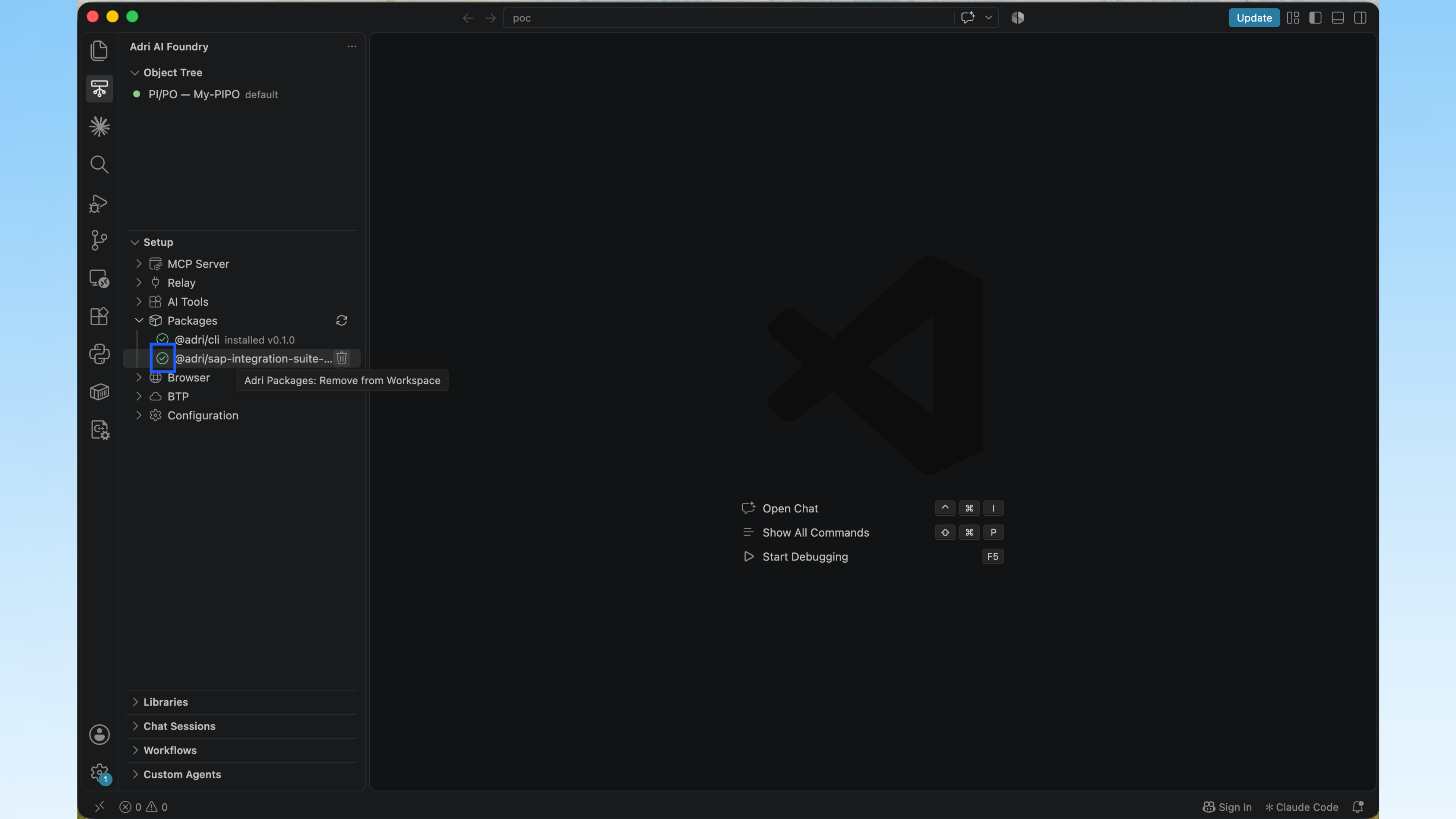
Add the Integration Suite Toolkit
Before continuing, request SAP Integration Suite access, install Adri AI Foundry for VS Code, and sign in to Adri AI.
- Open the workspace you want to use for integration development.
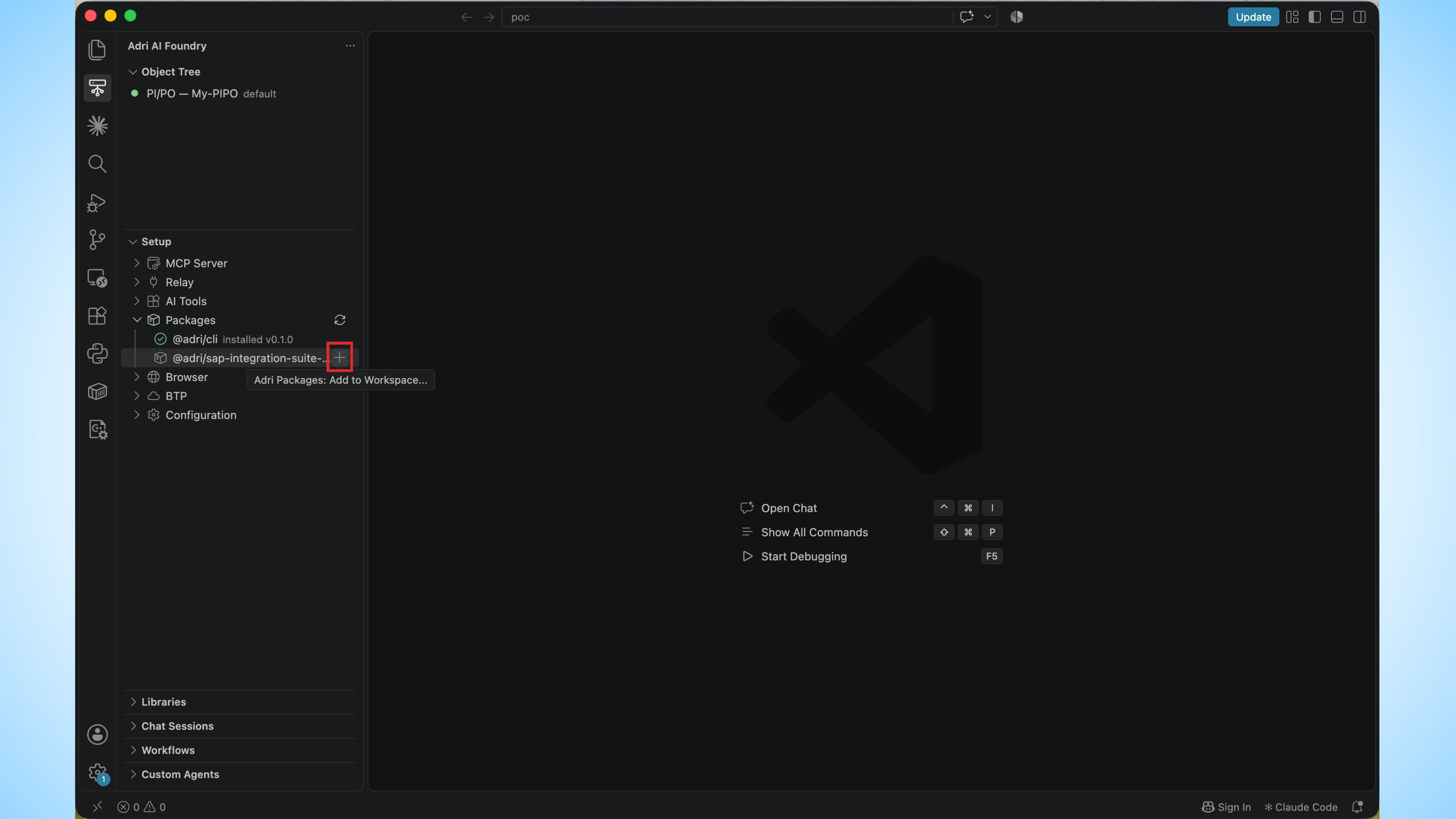
- In Adri AI Foundry, expand Setup > Packages.
- Select Add to Workspace beside the SAP Integration Suite package.
A green check confirms that the package is installed in the workspace.